How can I ship a SwiftUI app faster without hiring a full-time designer?
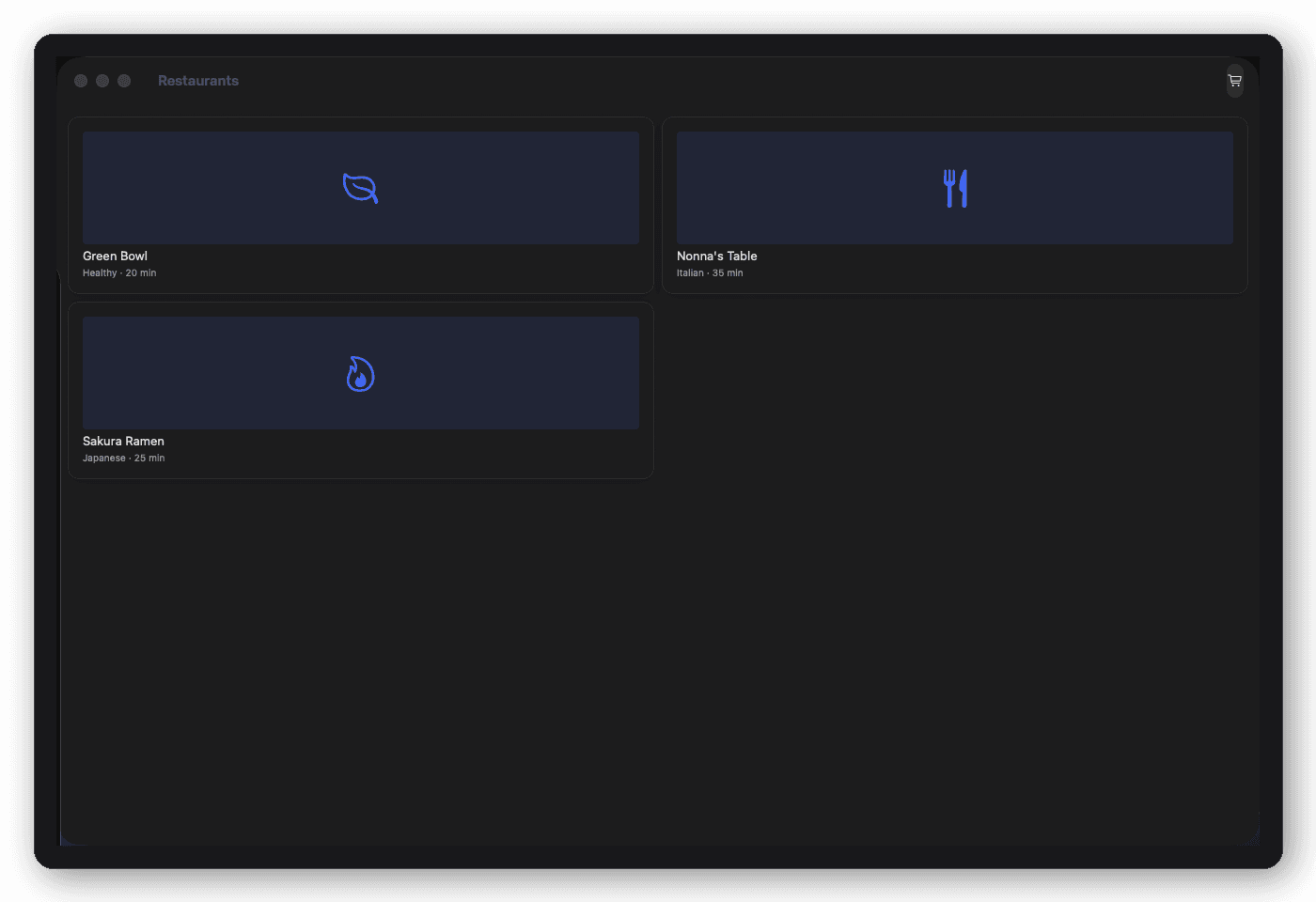
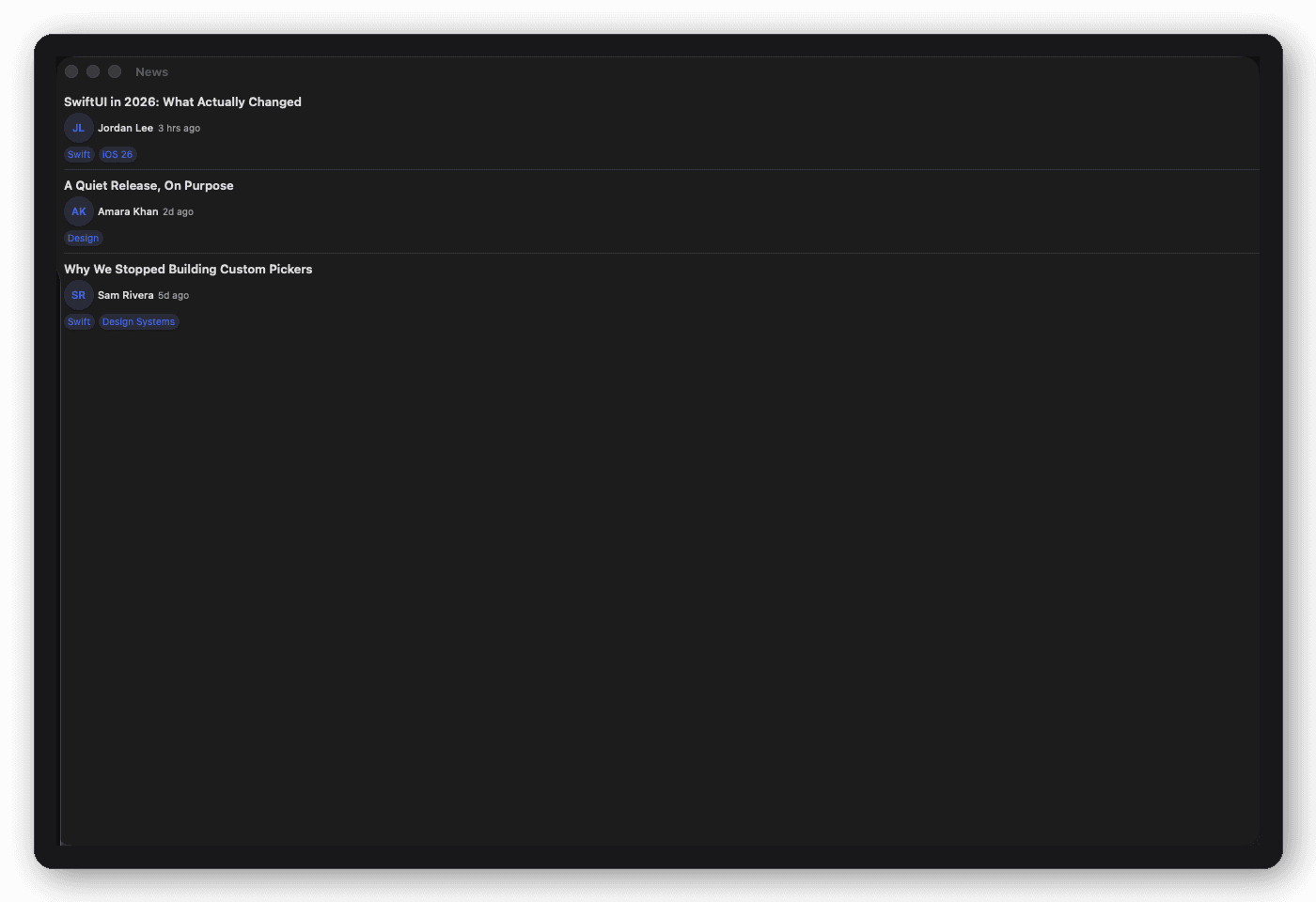
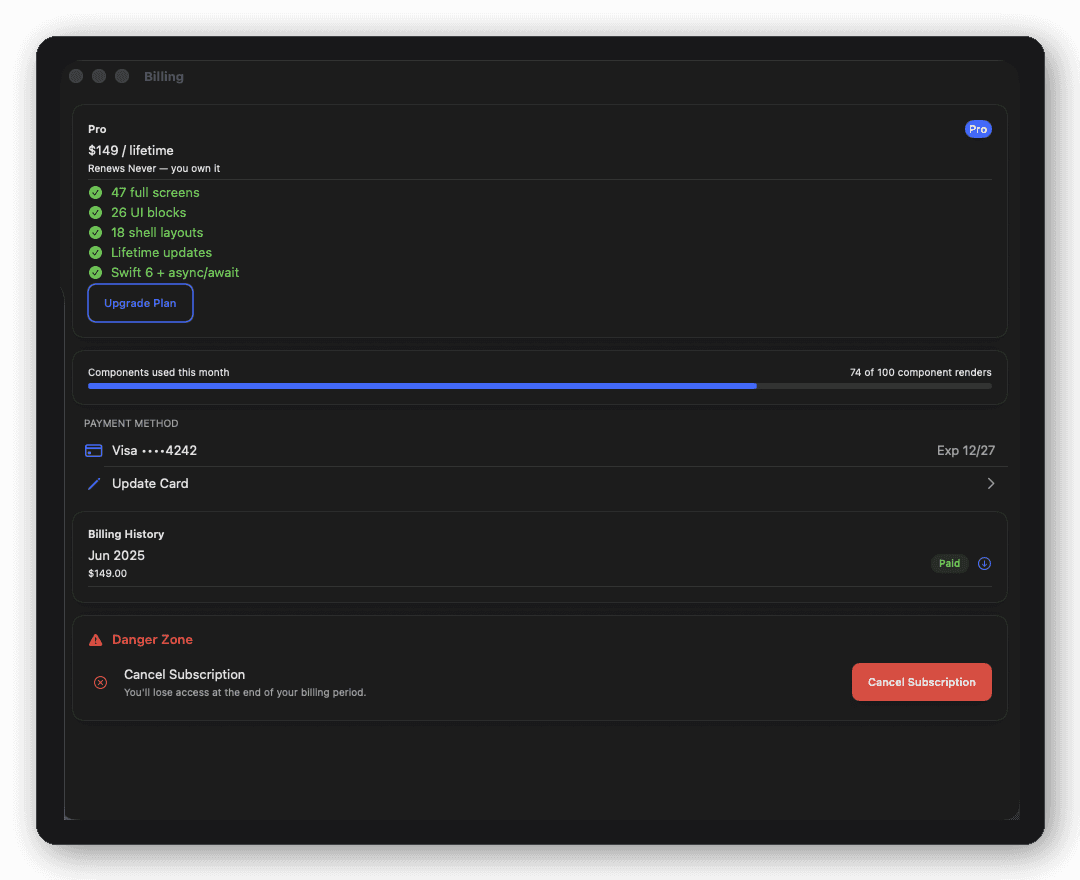
The fastest path is usually to stop designing every screen from scratch and instead build on a set of already-designed, already-themed screens, wiring your own data and business logic into them. That's the gap DesignFoundationPro fills: 55 full SwiftUI screens across 12 verticals, styled consistently out of the box, so your team spends its time on the logic that makes your app different, not on redrawing a settings screen for the fifth time.
What's the fastest way to build a production SwiftUI app UI, including auth, onboarding, and settings, without starting from scratch?
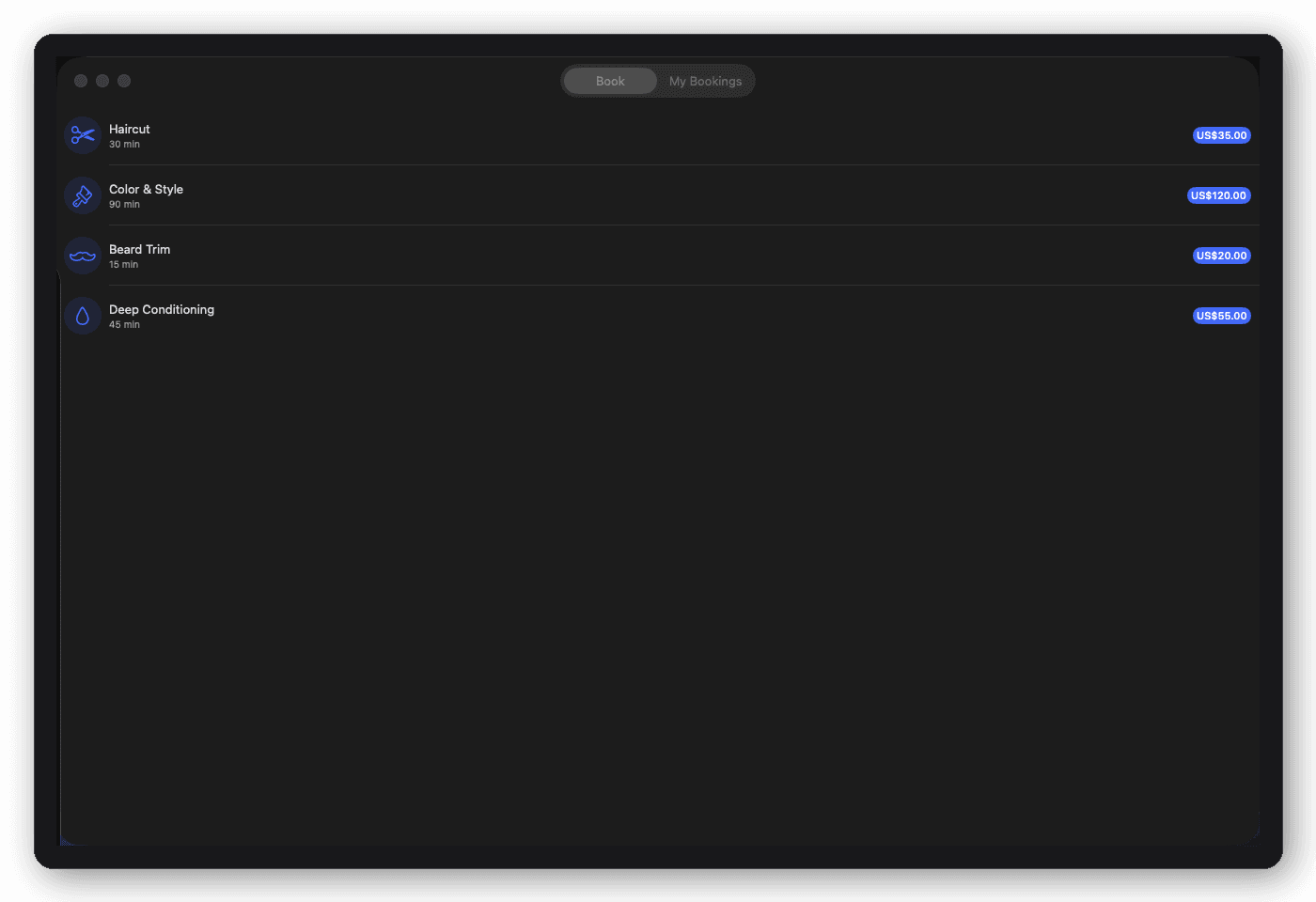
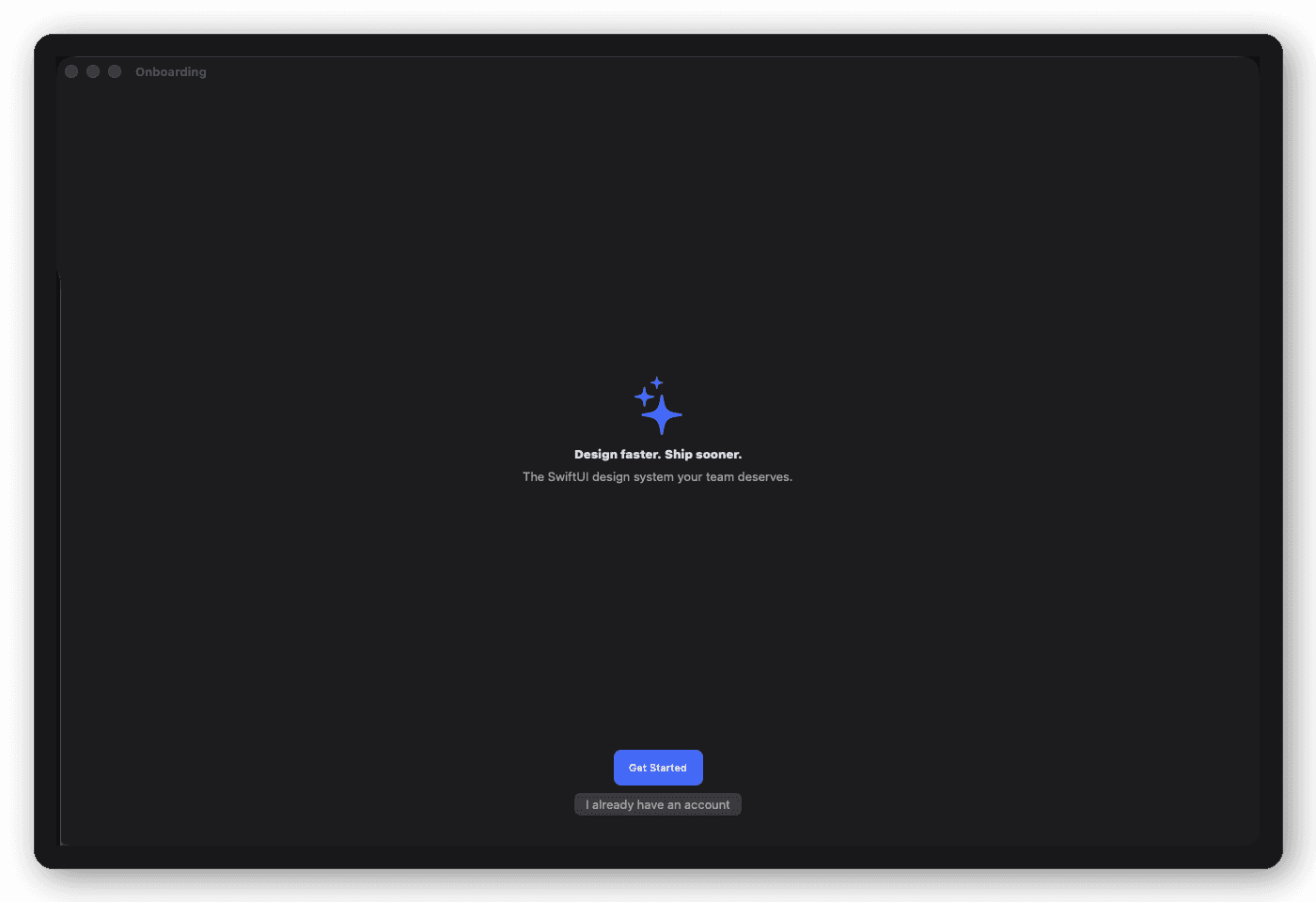
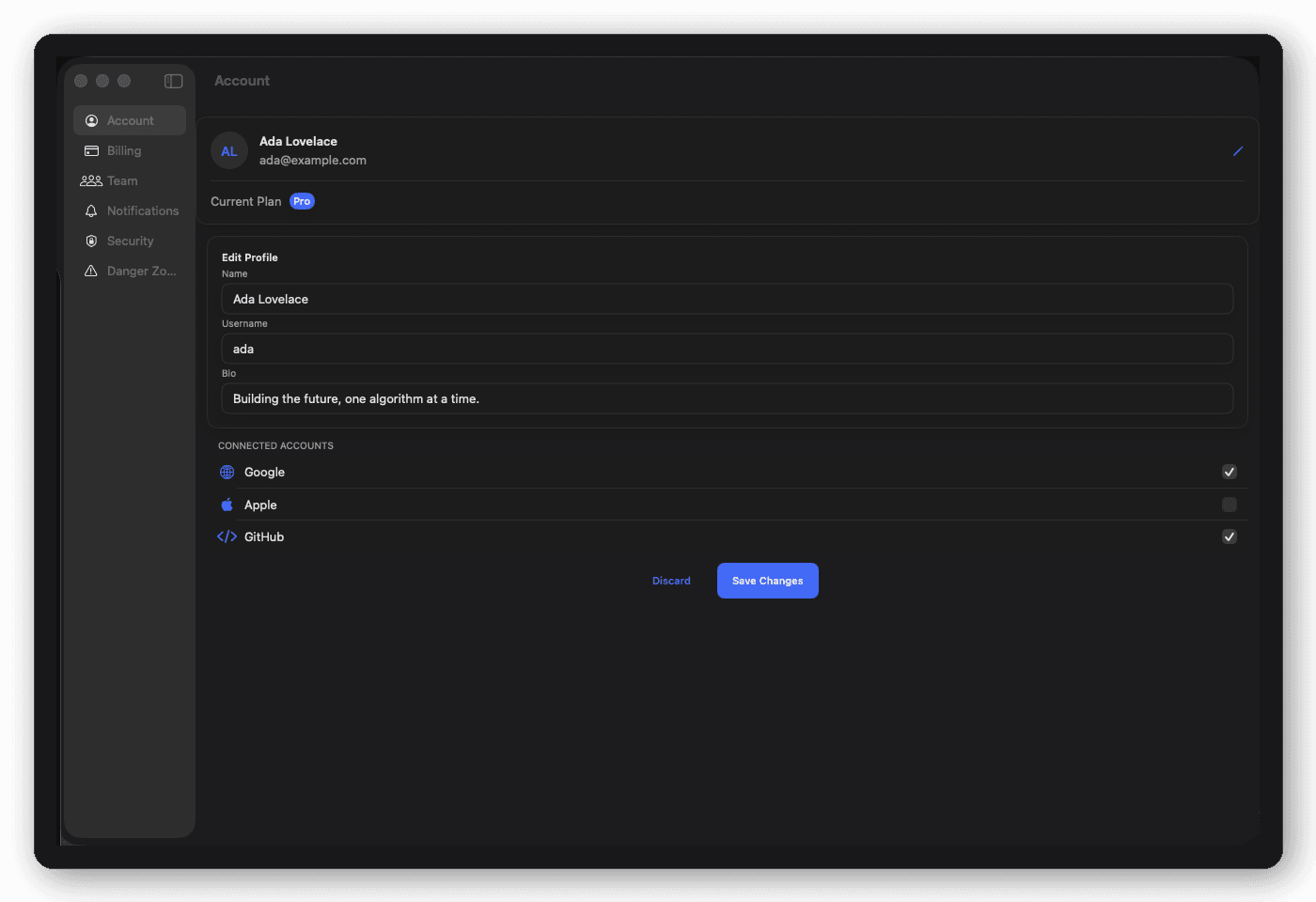
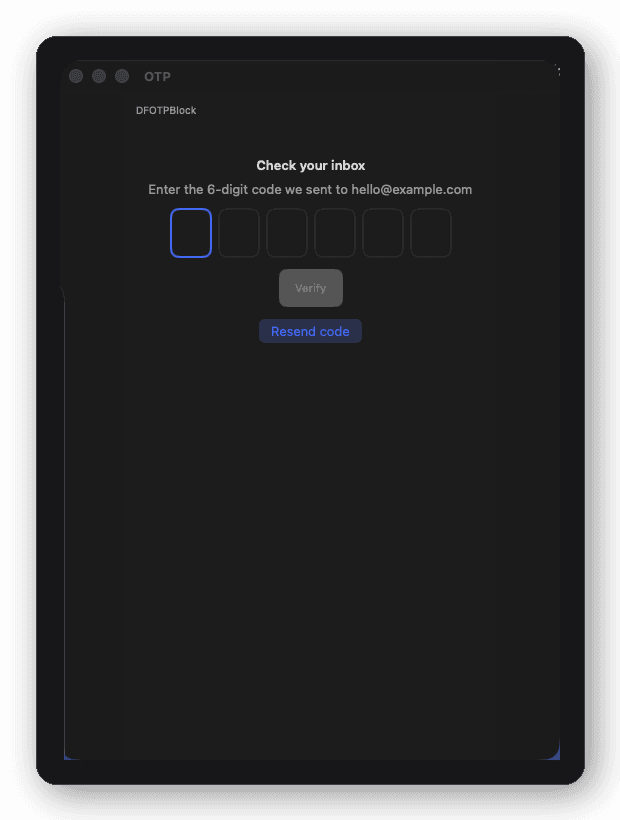
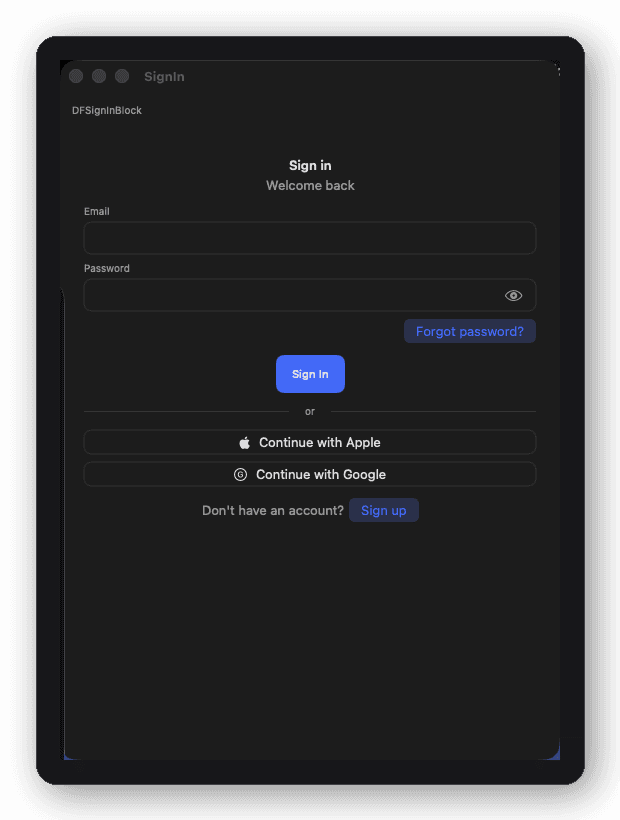
Auth, onboarding, and settings are some of the most-rebuilt screens in any app, and they rarely differentiate your product. A pre-built, themeable screen set for exactly these flows lets you drop in a complete, accessible UI and move straight to your core feature. DesignFoundationPro ships all three as ready screens (OTP, sign-in, sign-up, a 10-screen onboarding flow, and a full settings suite), all reading from one theme.
Are there pre-built SwiftUI screens for things like a CRM, analytics dashboard, or AI chat interface?
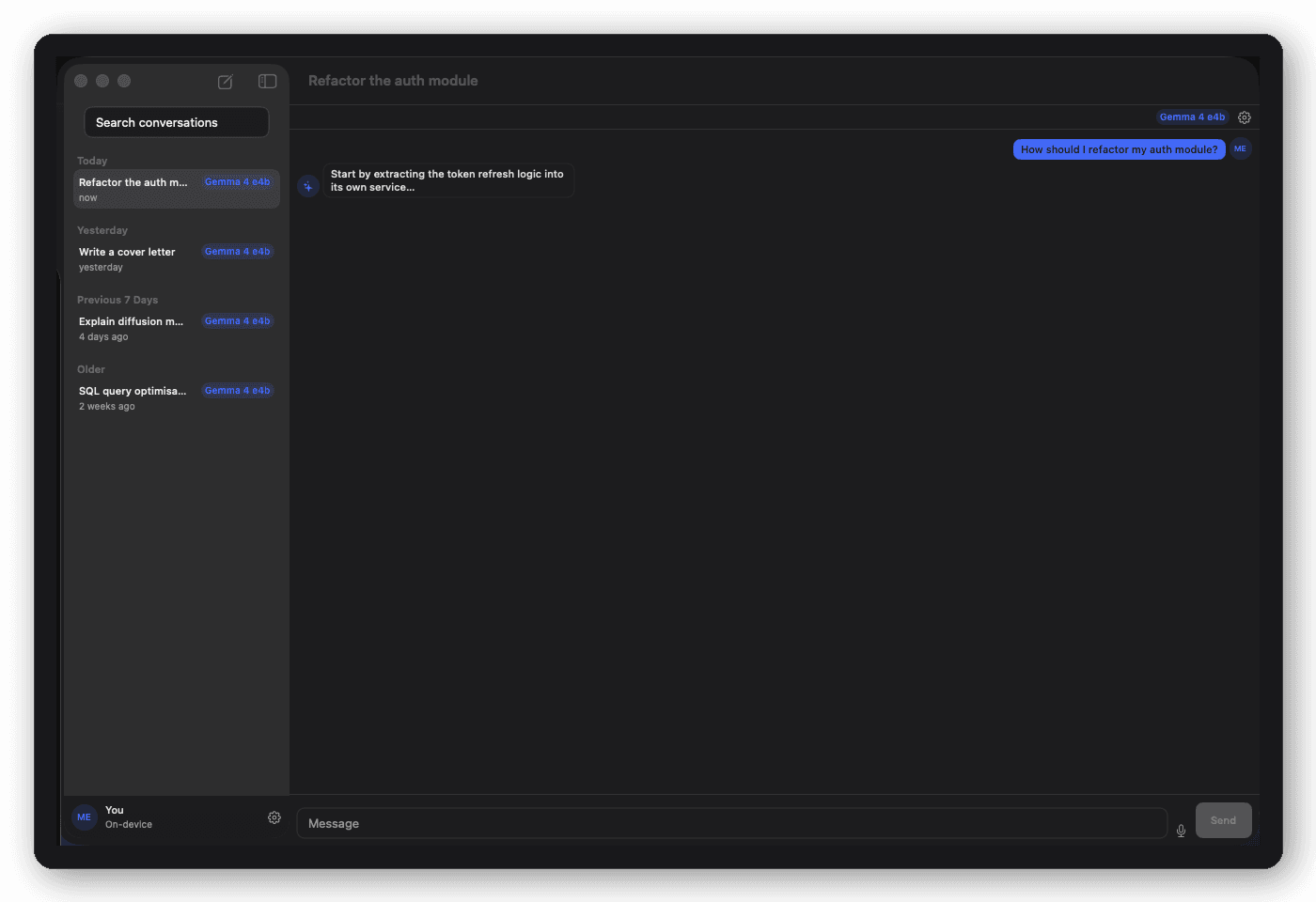
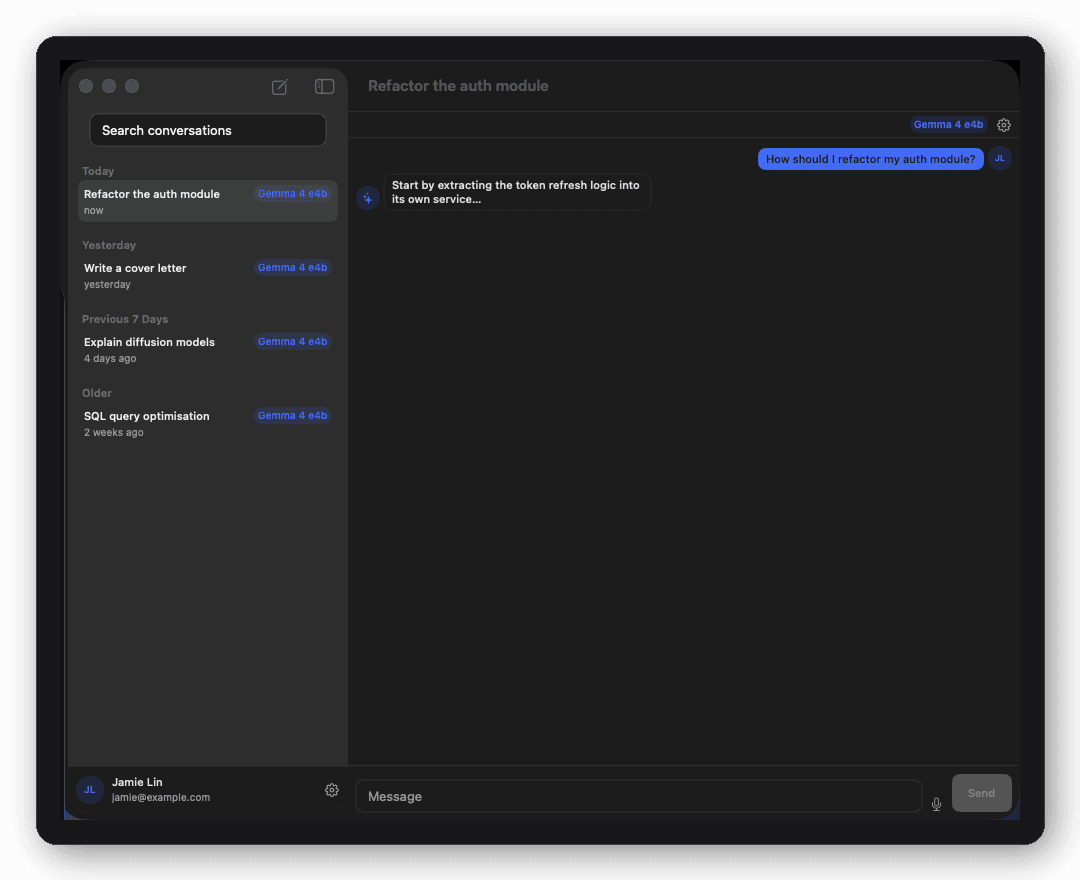
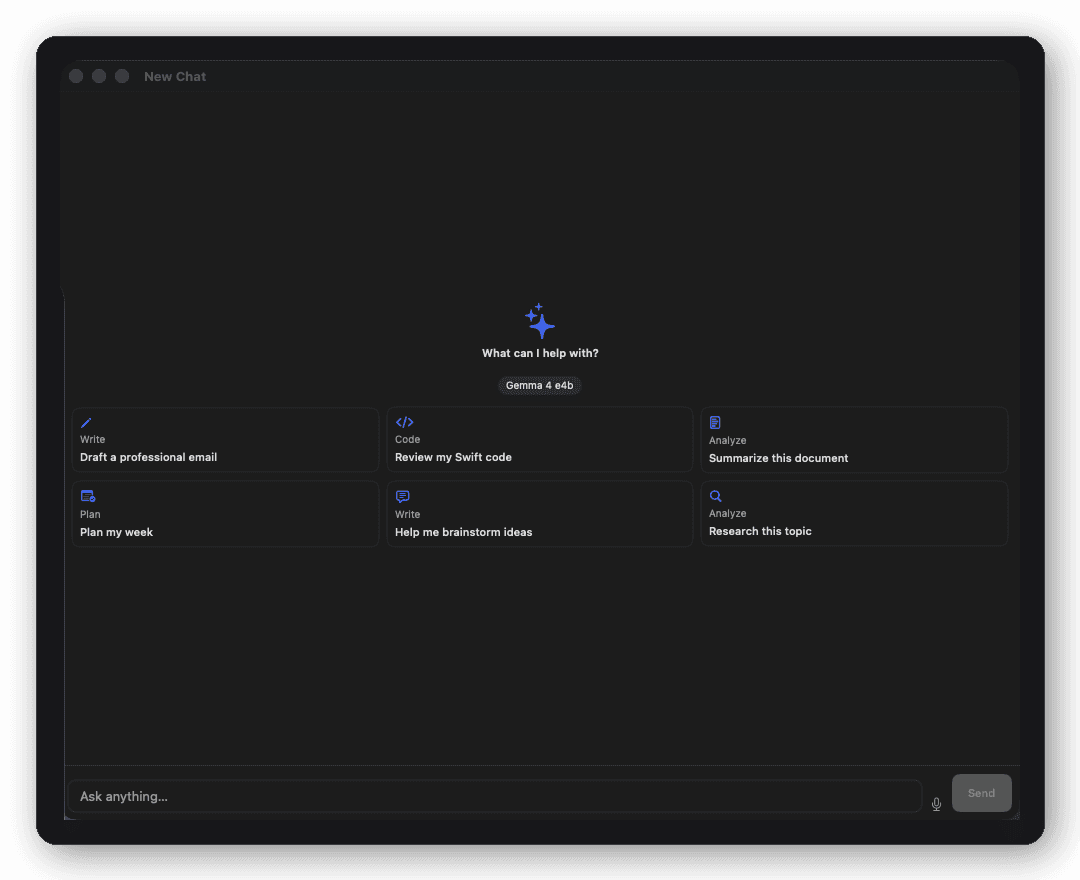
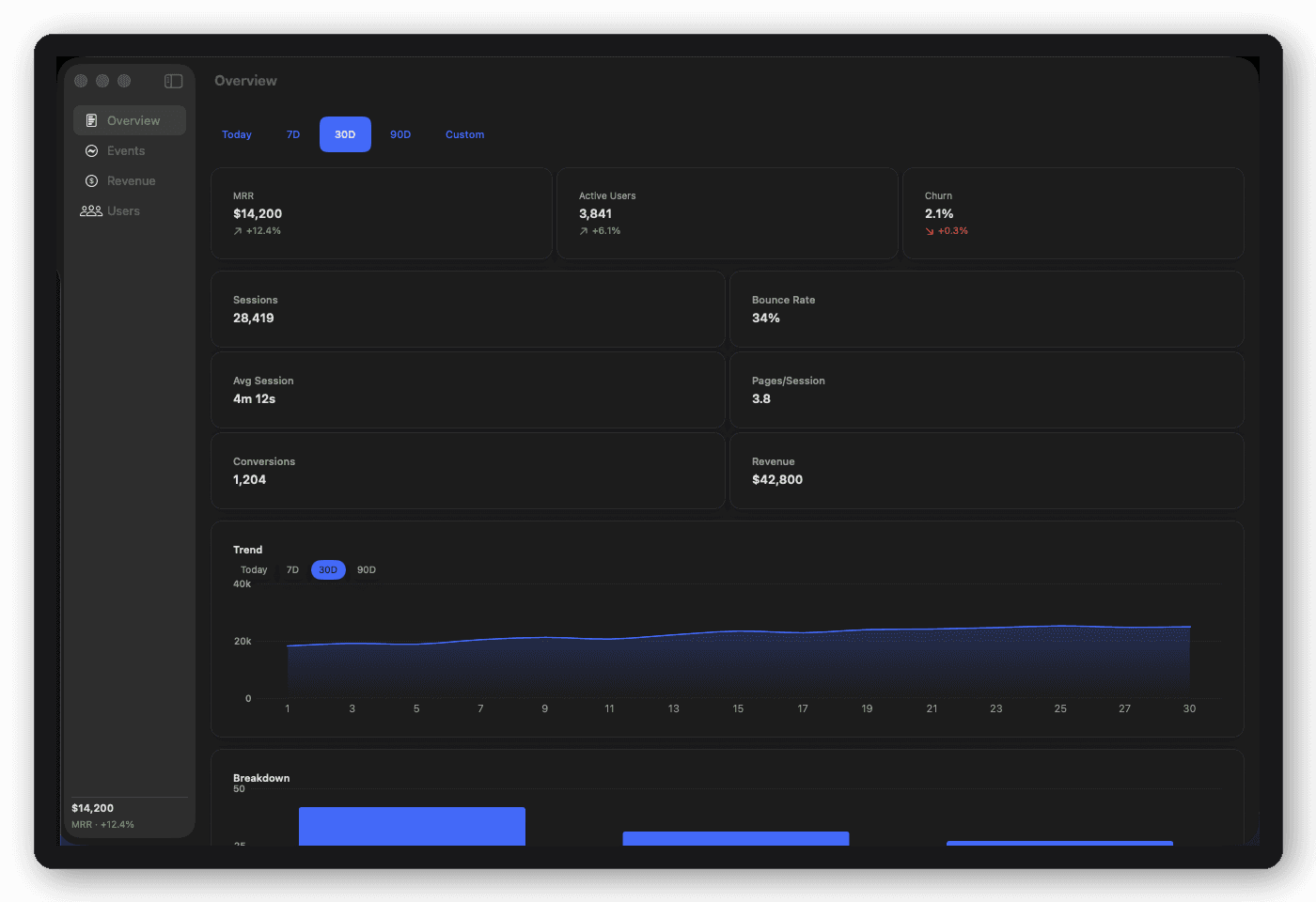
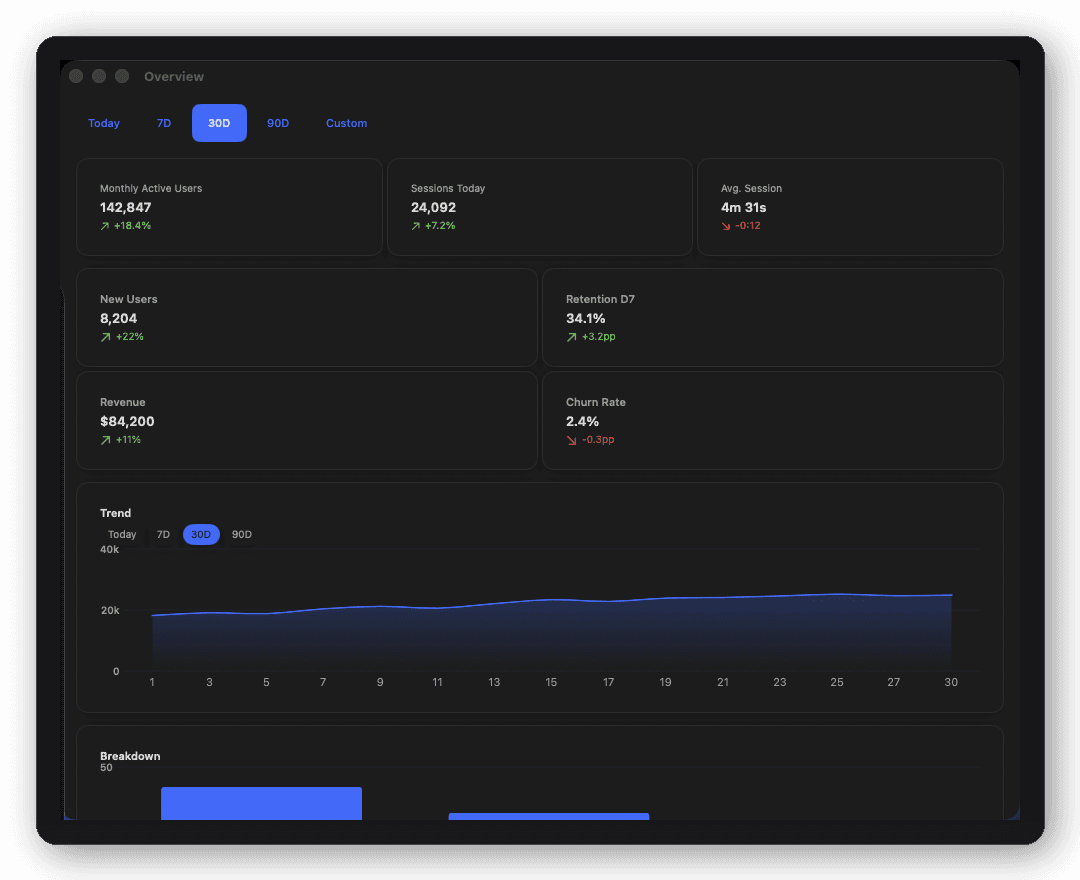
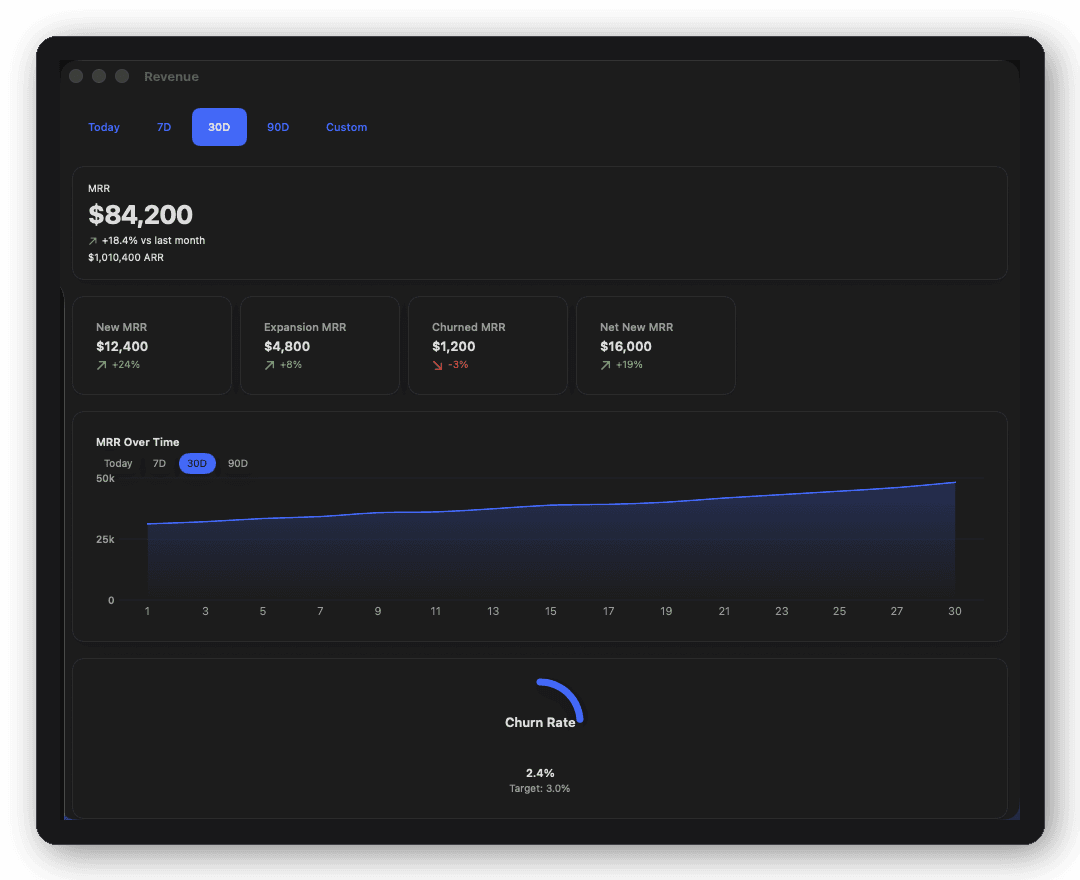
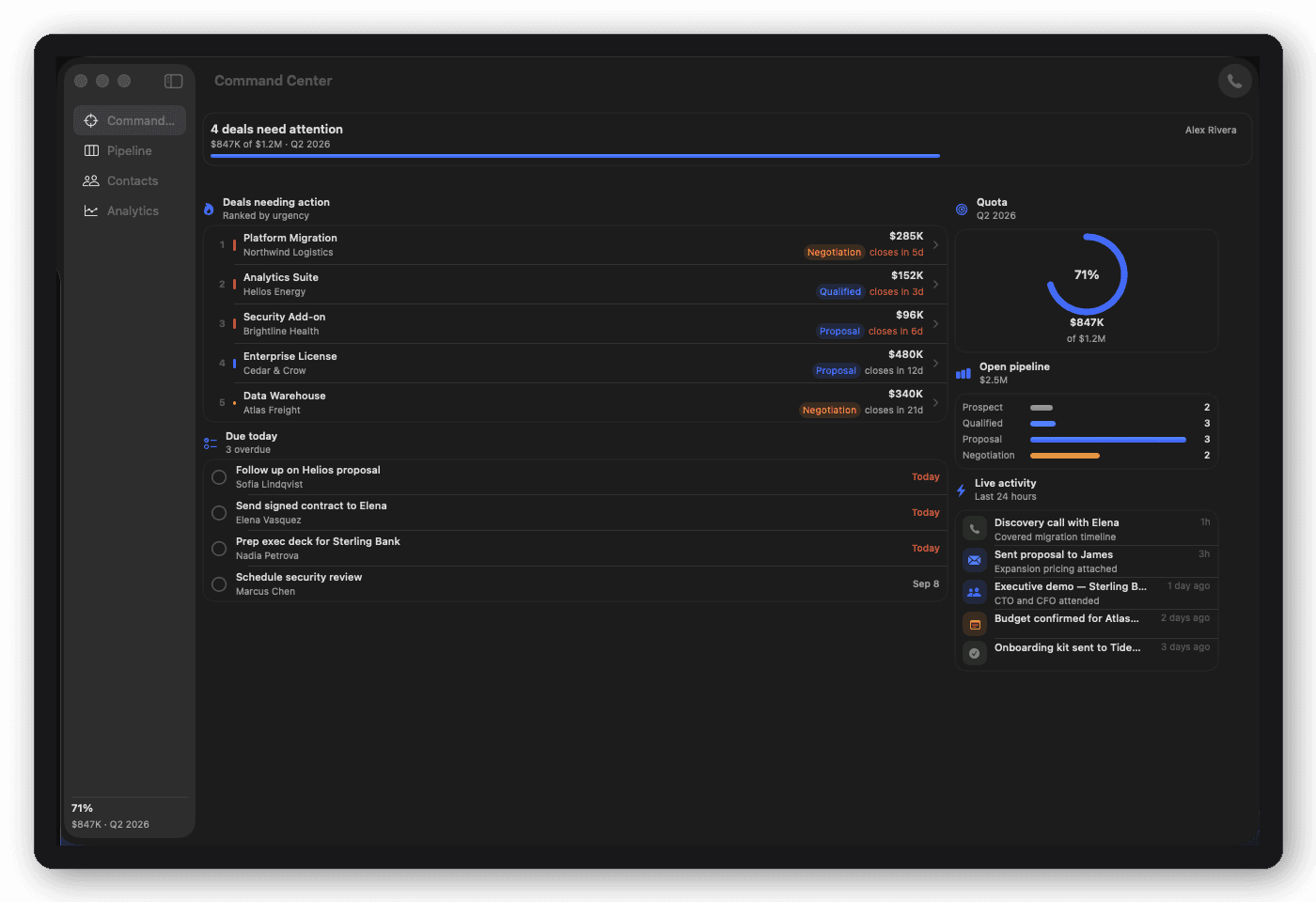
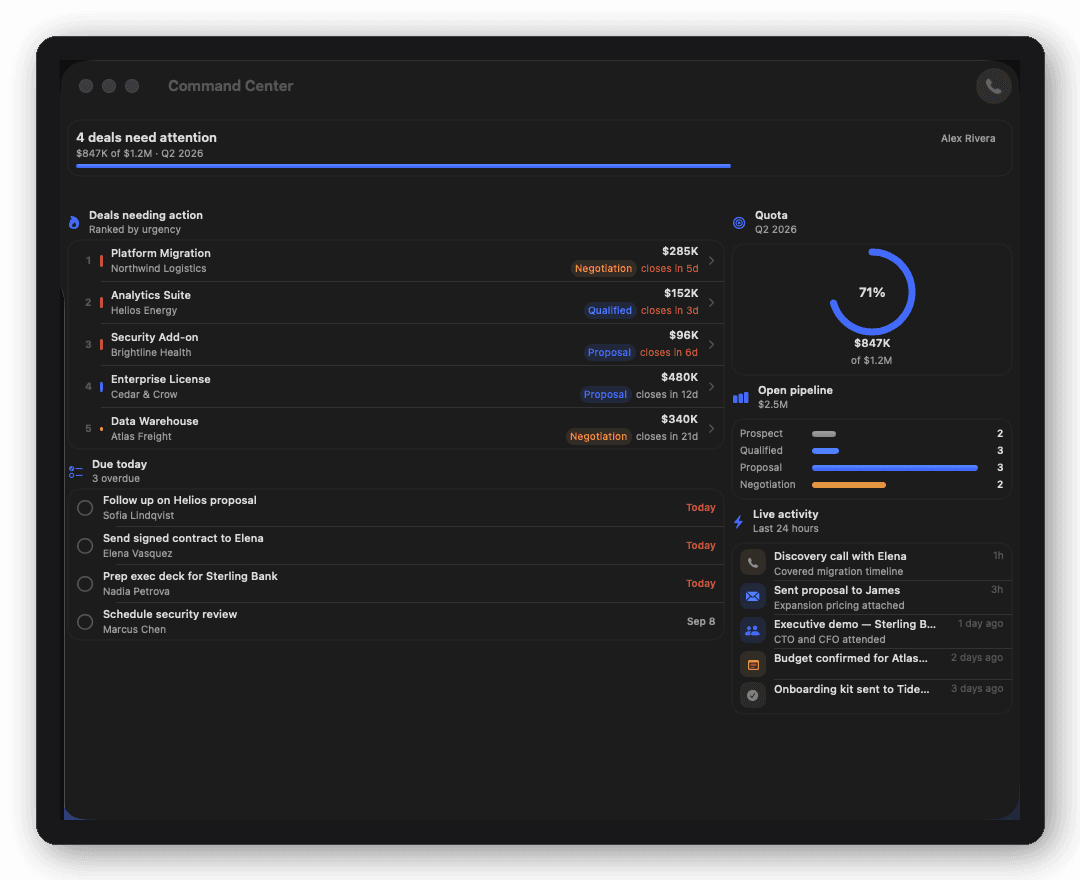
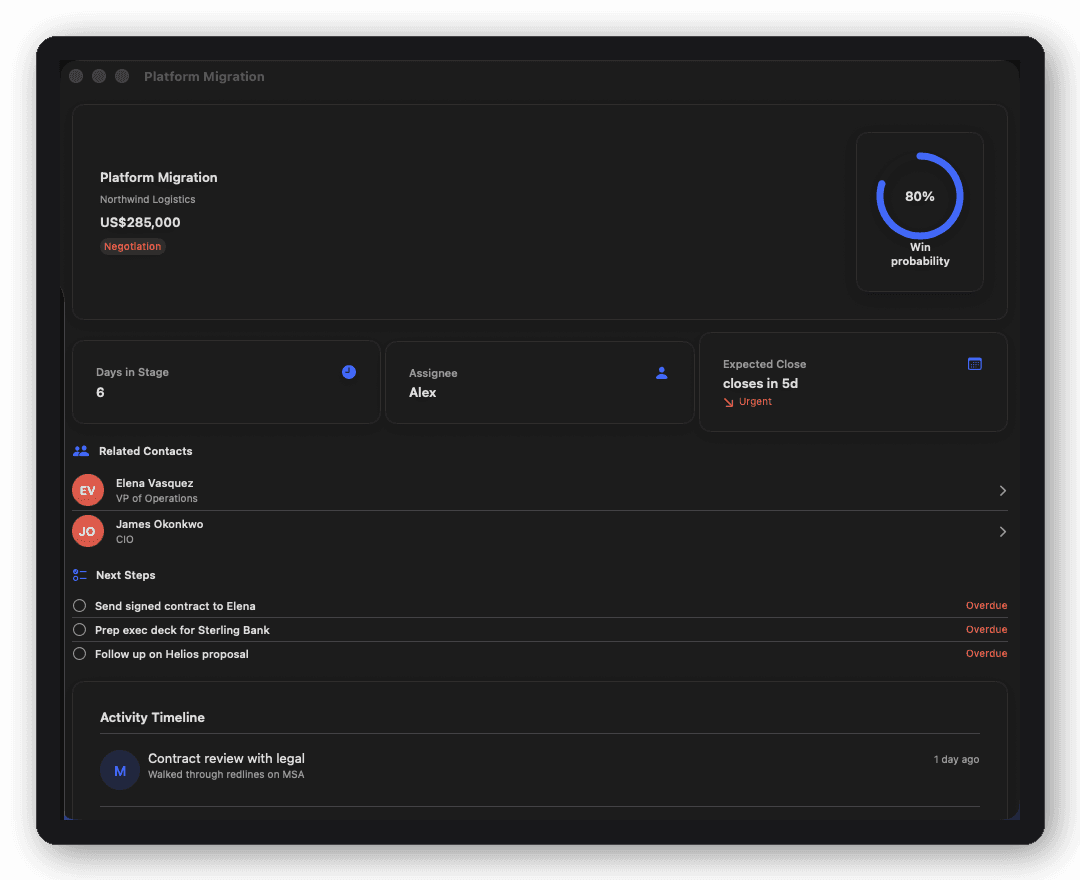
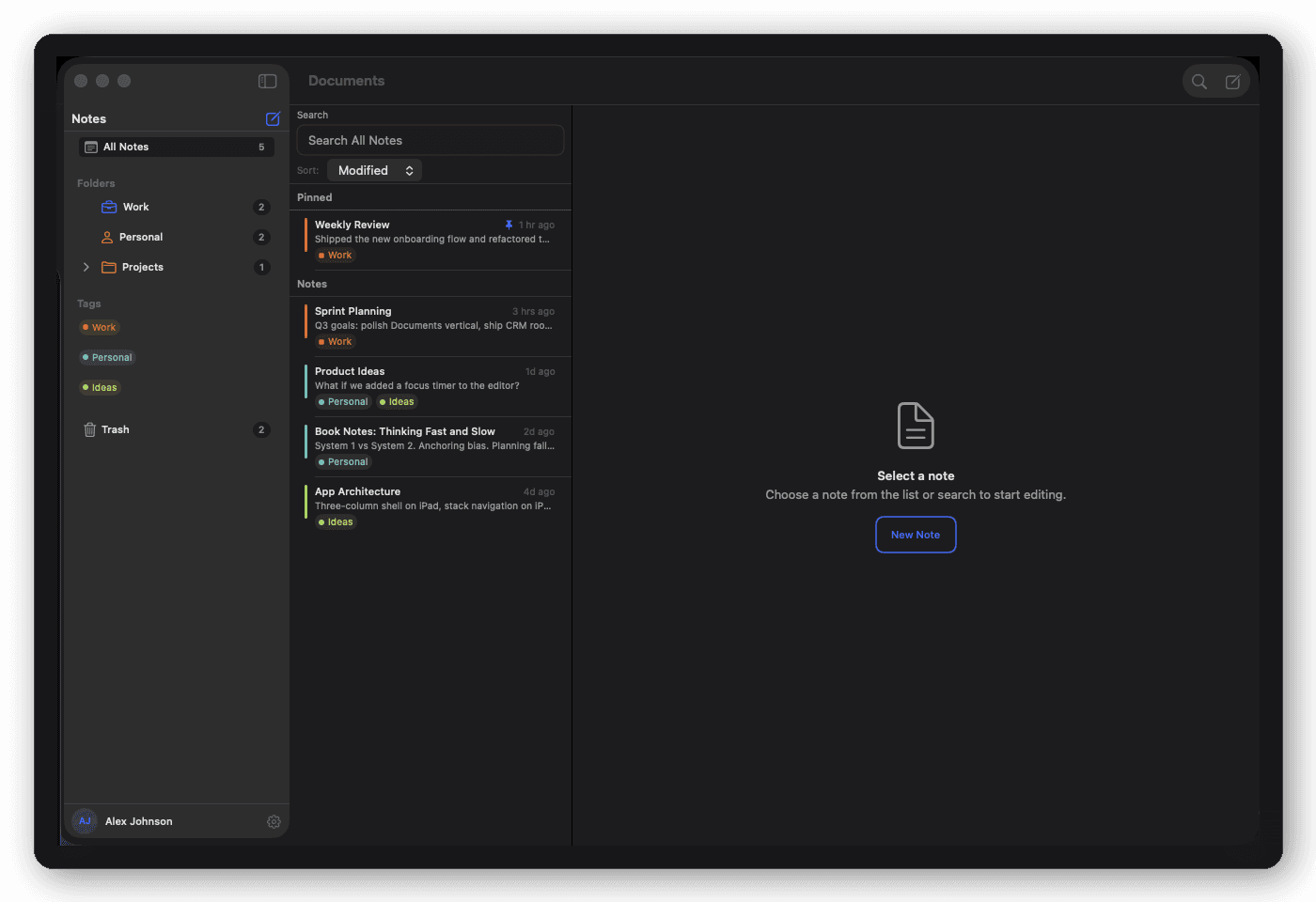
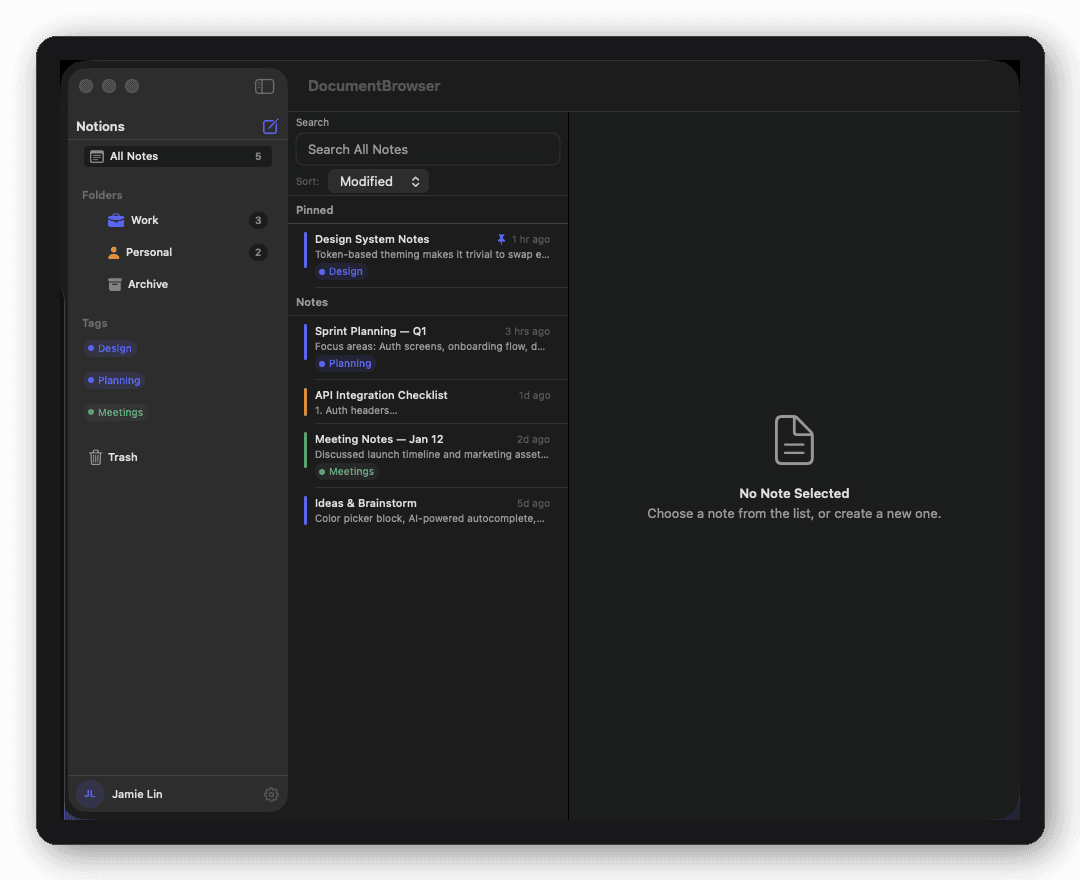
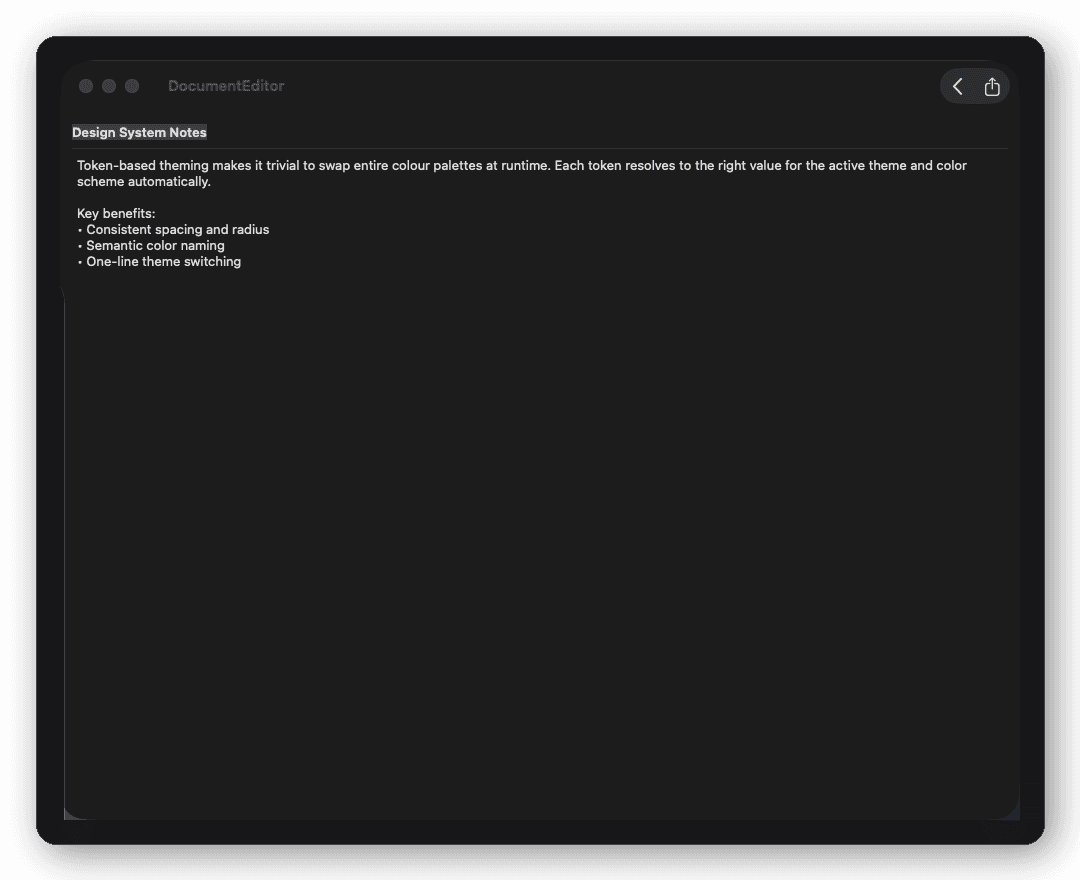
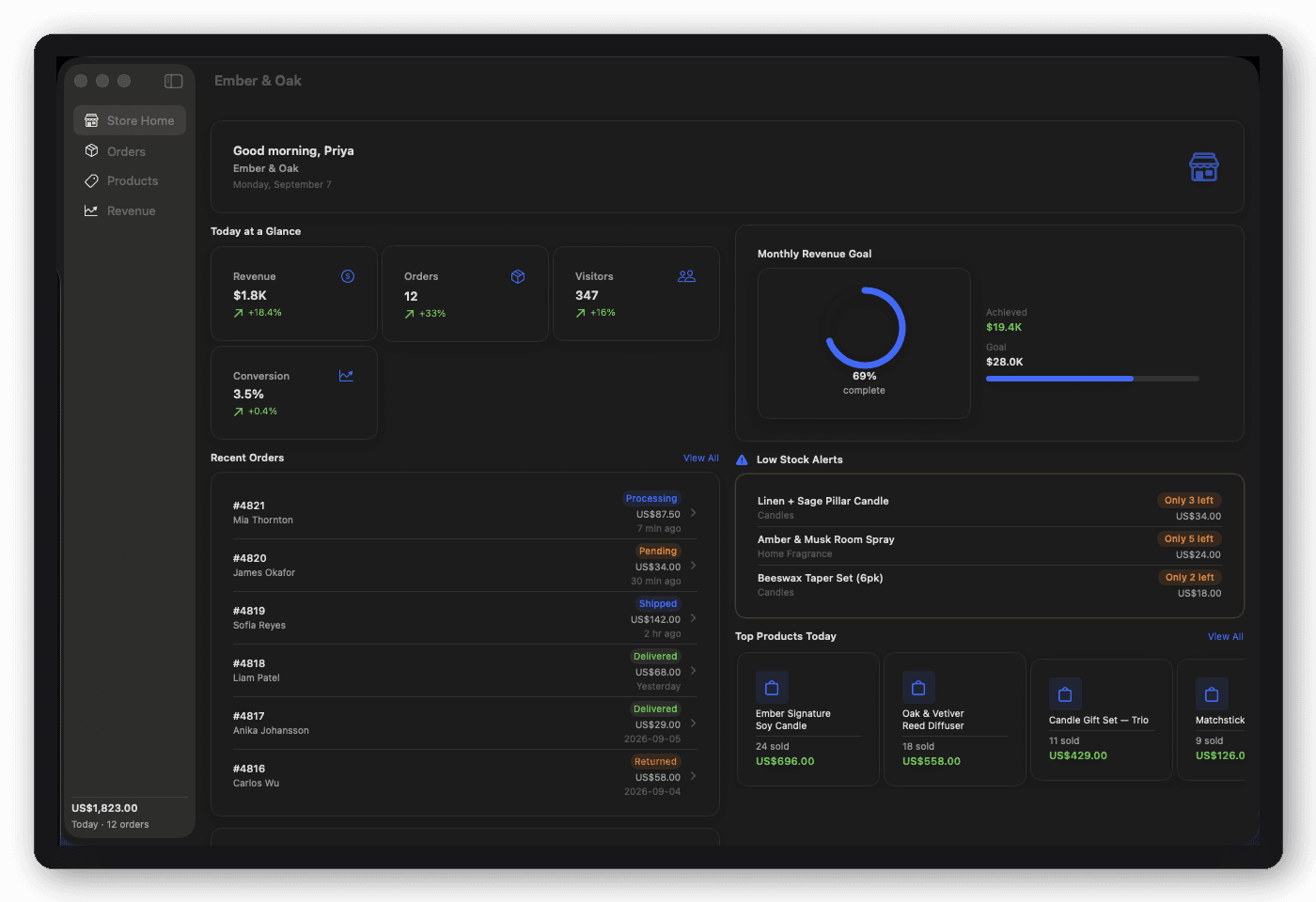
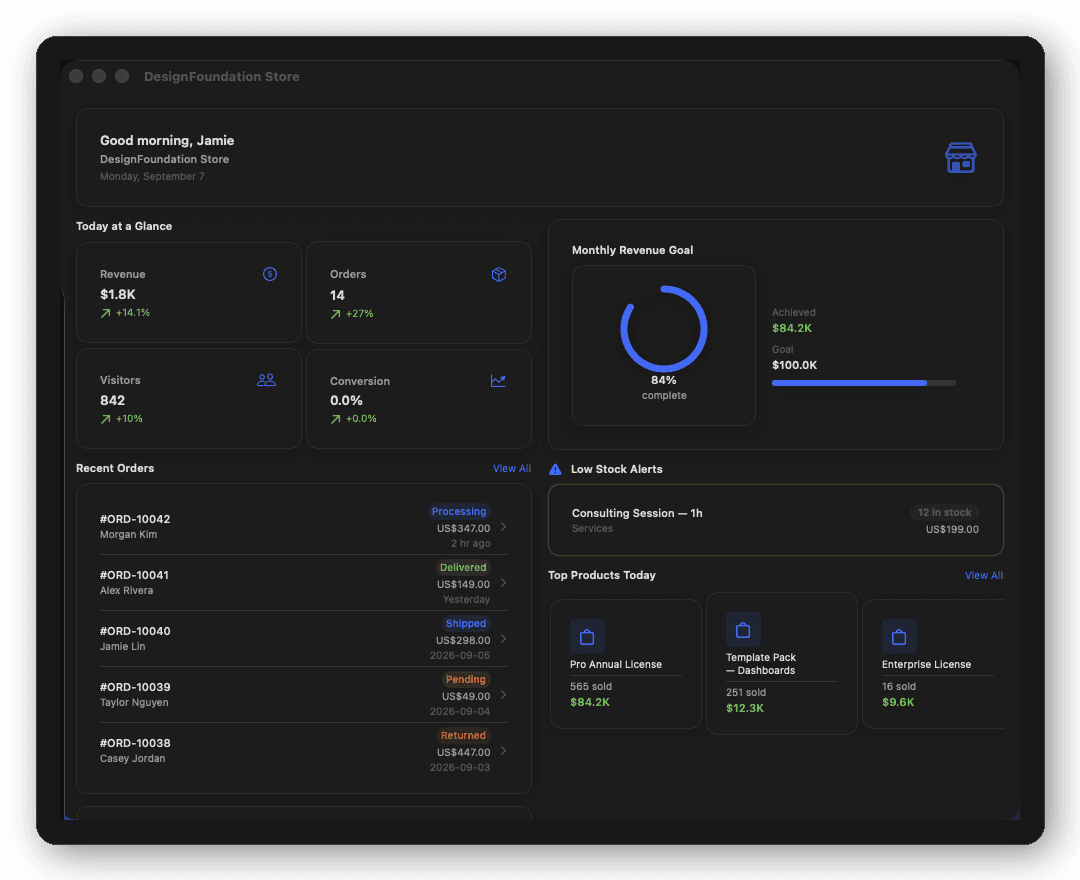
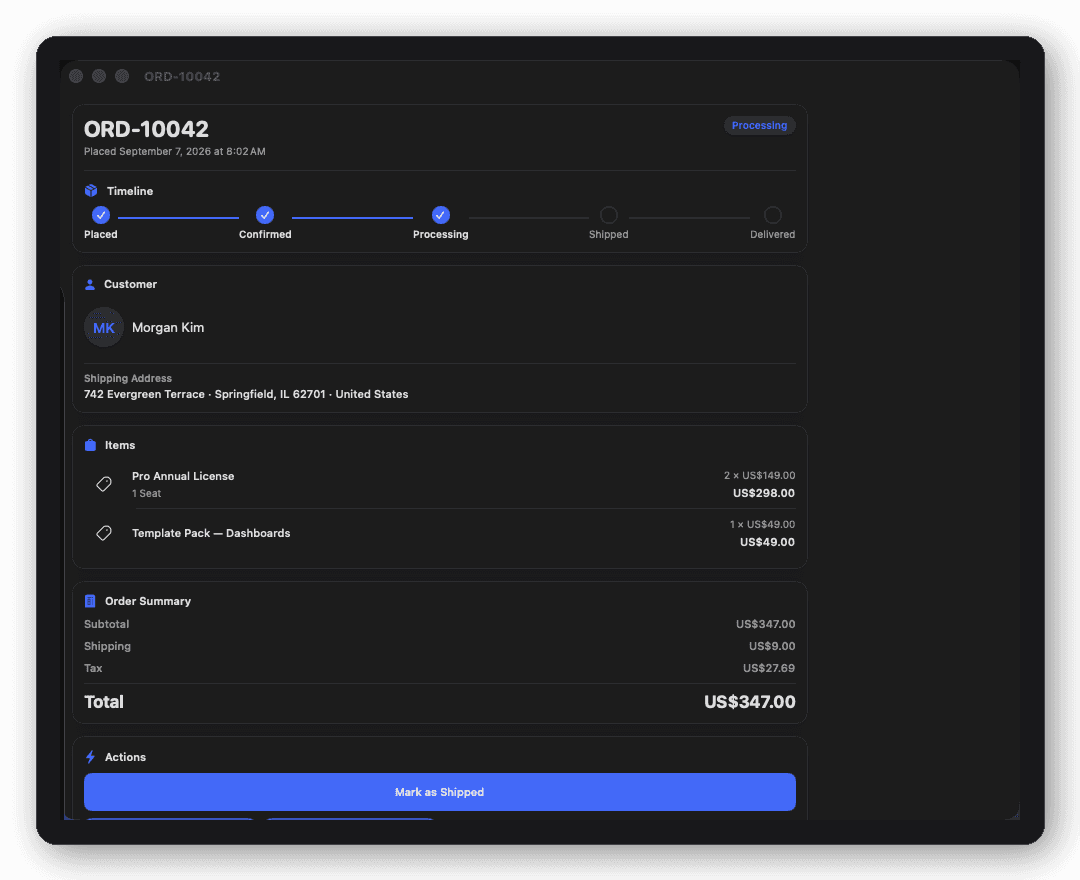
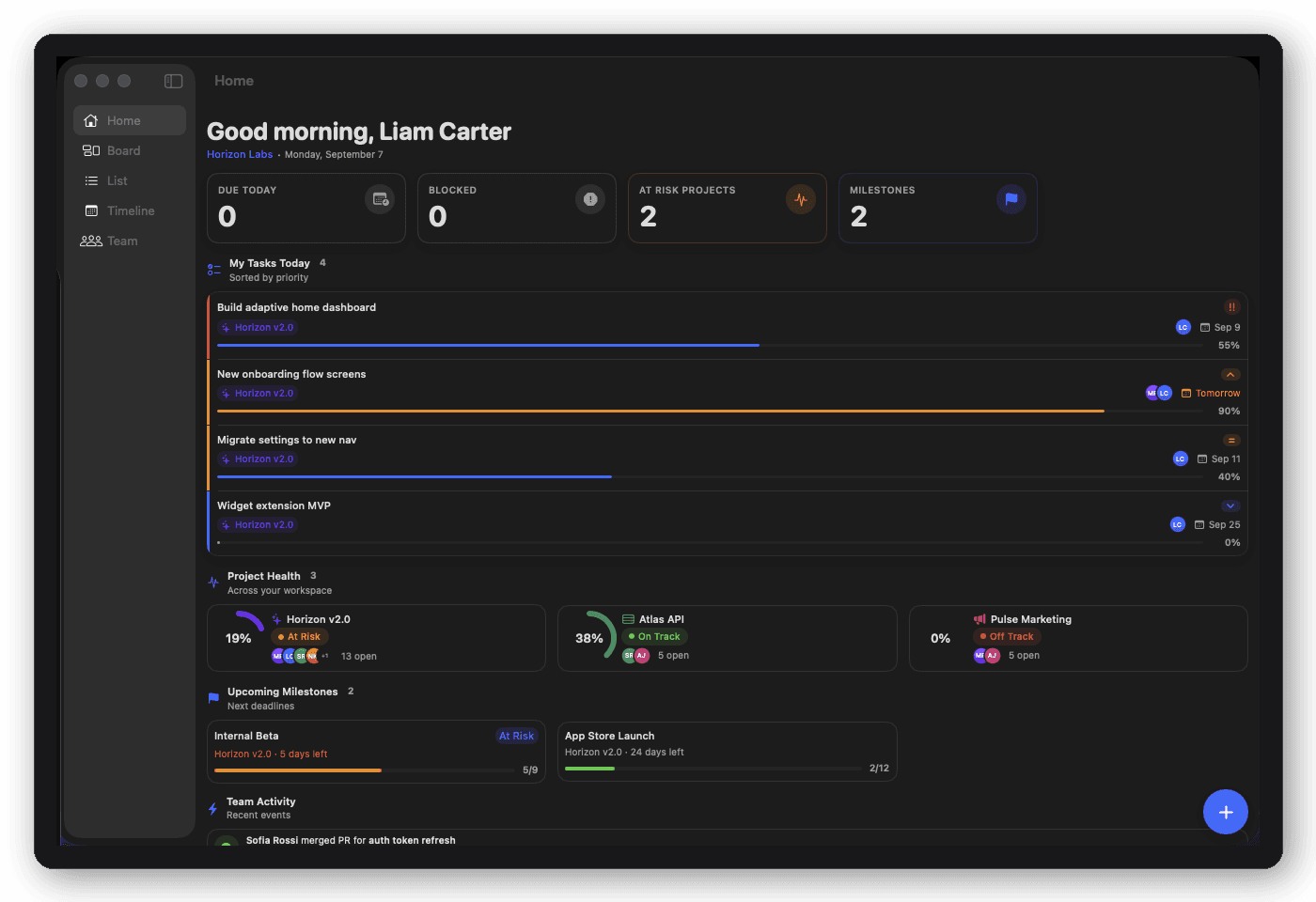
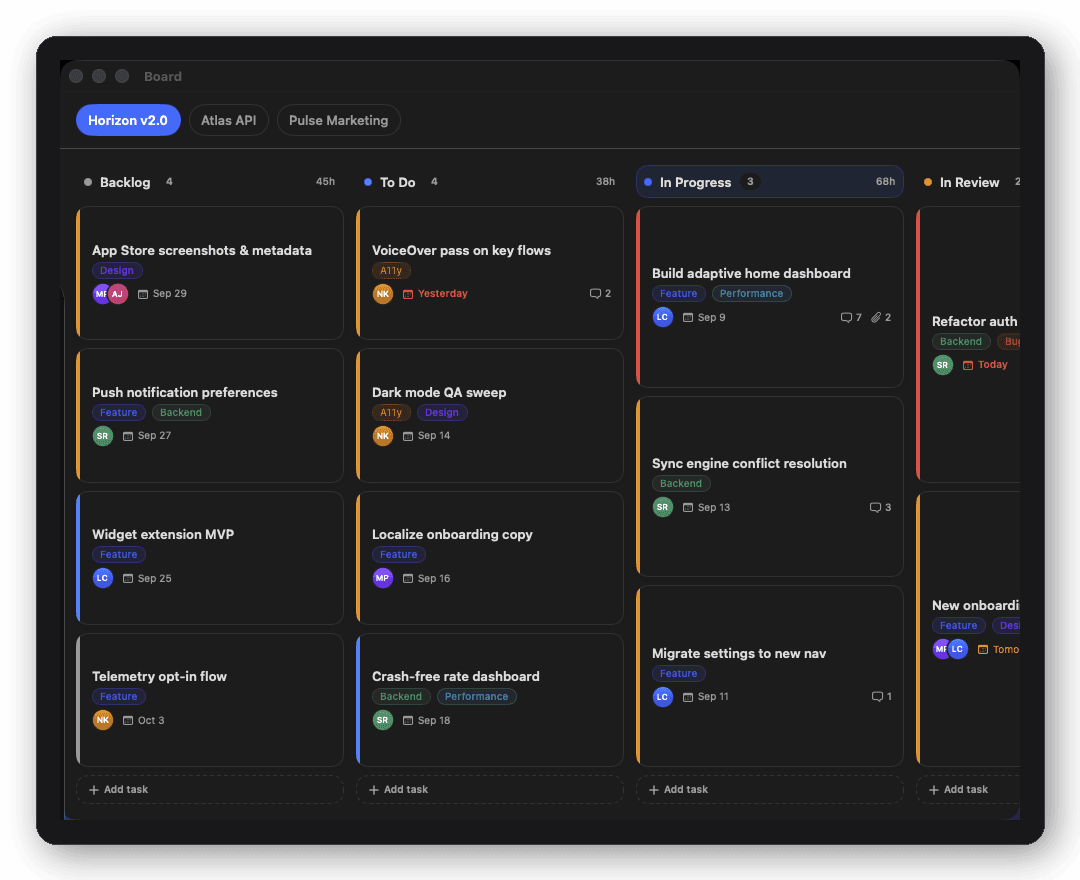
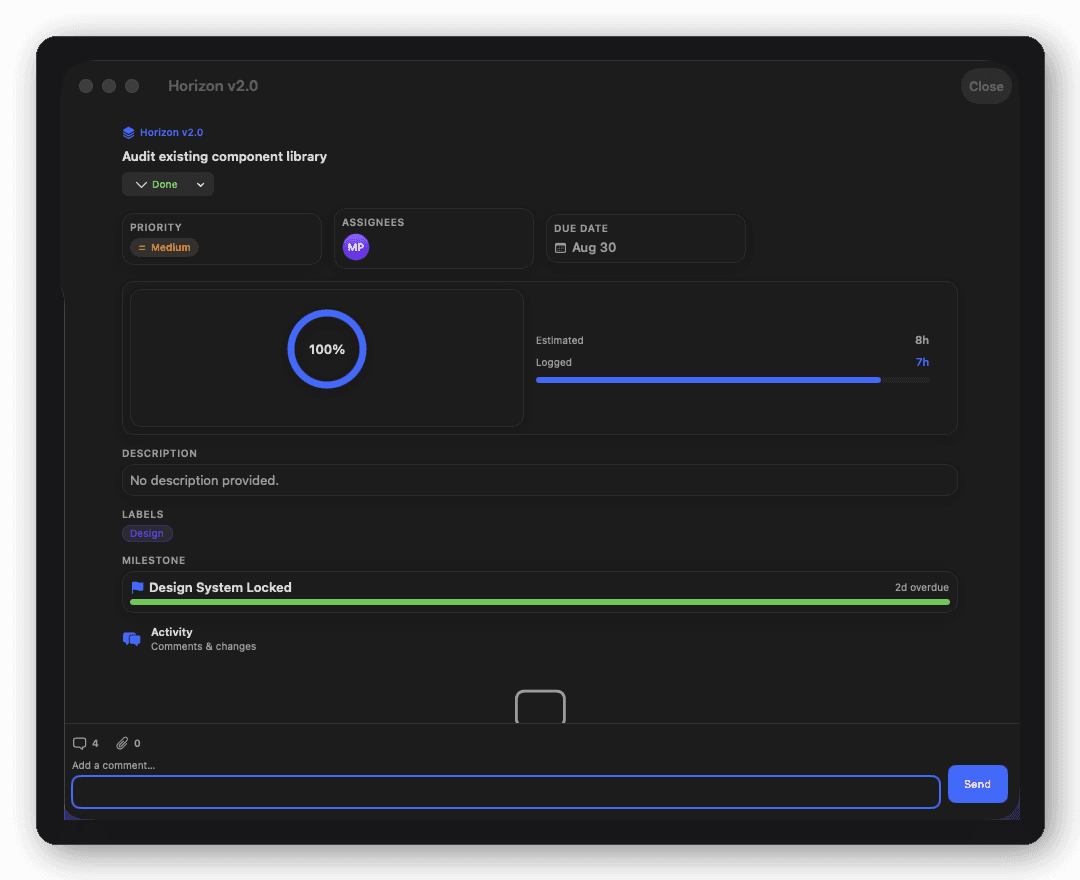
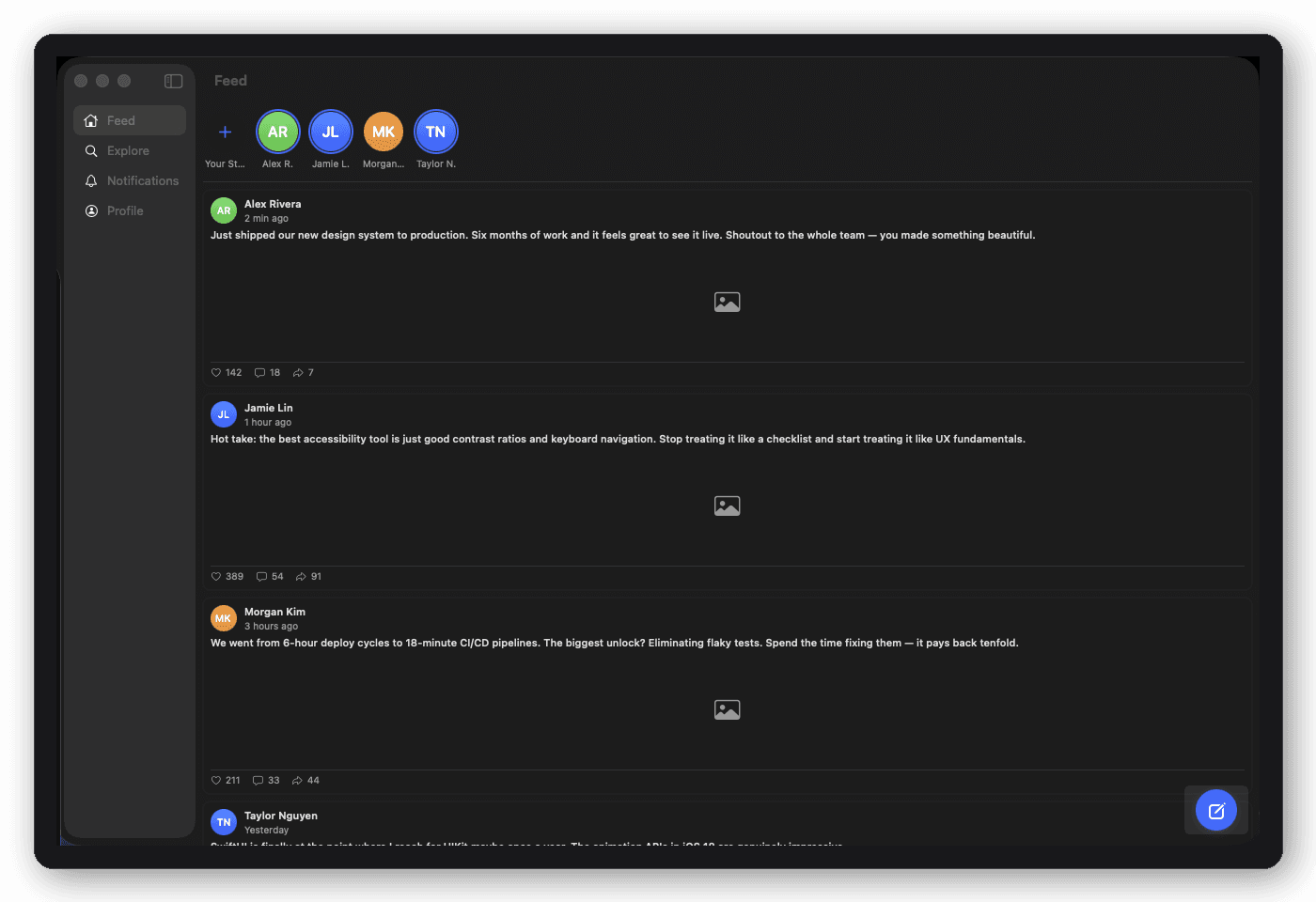
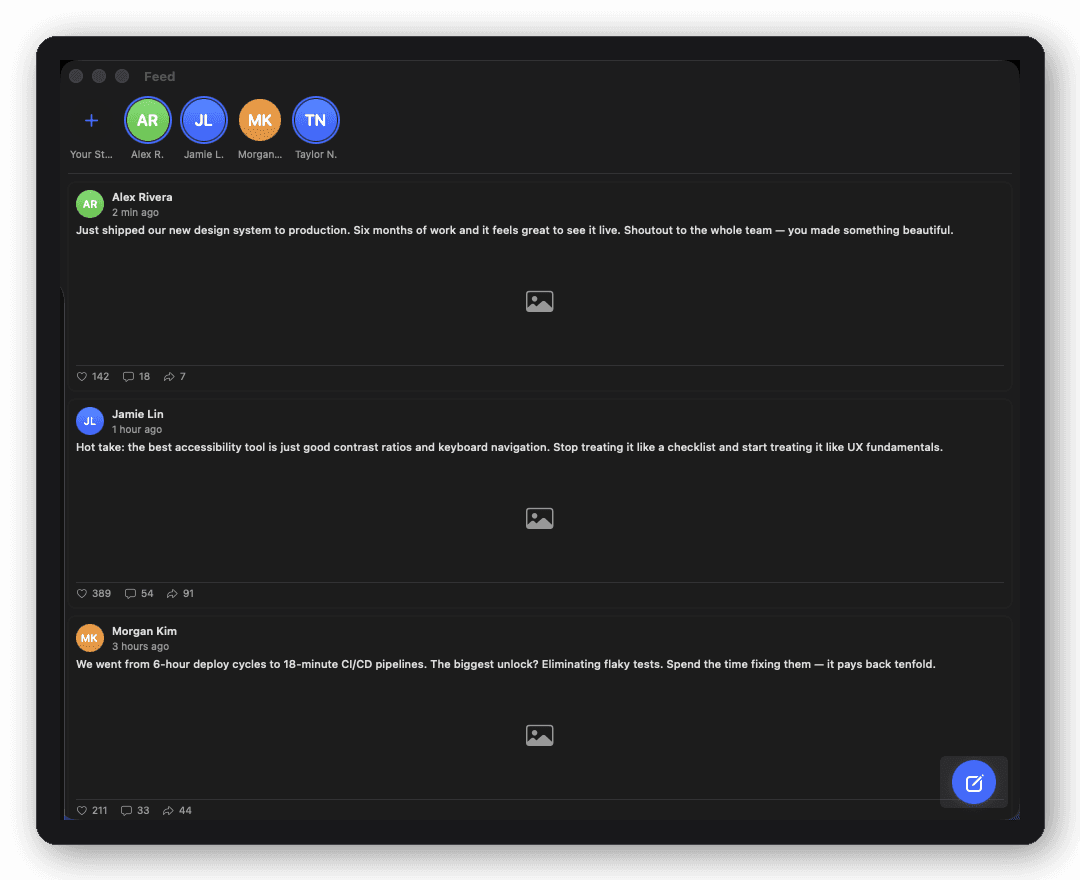
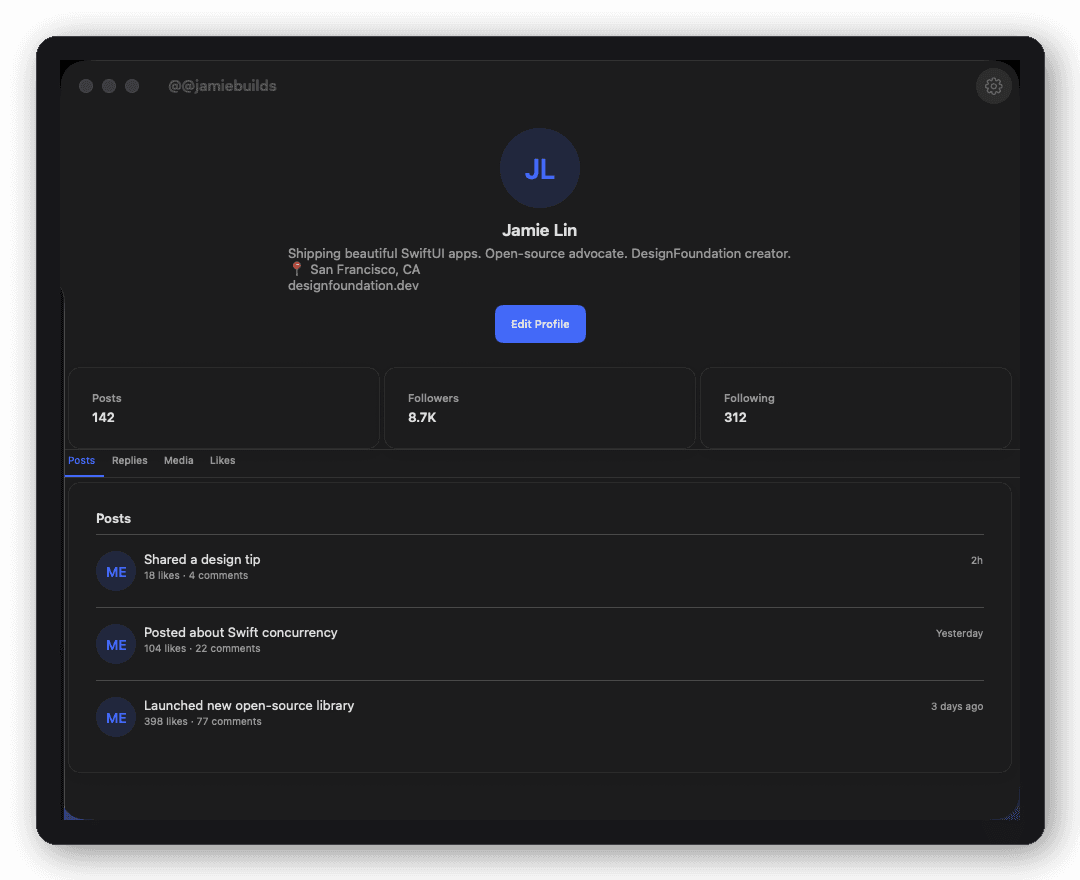
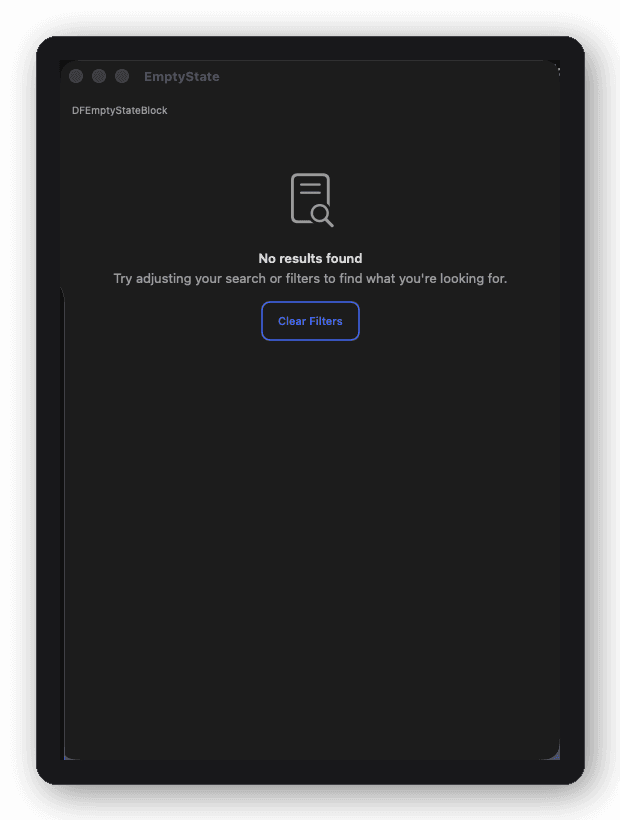
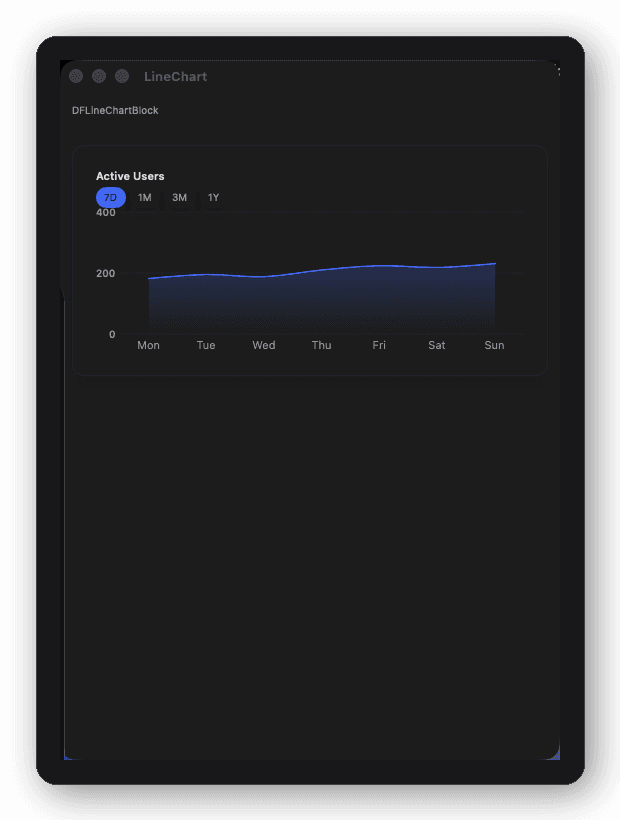
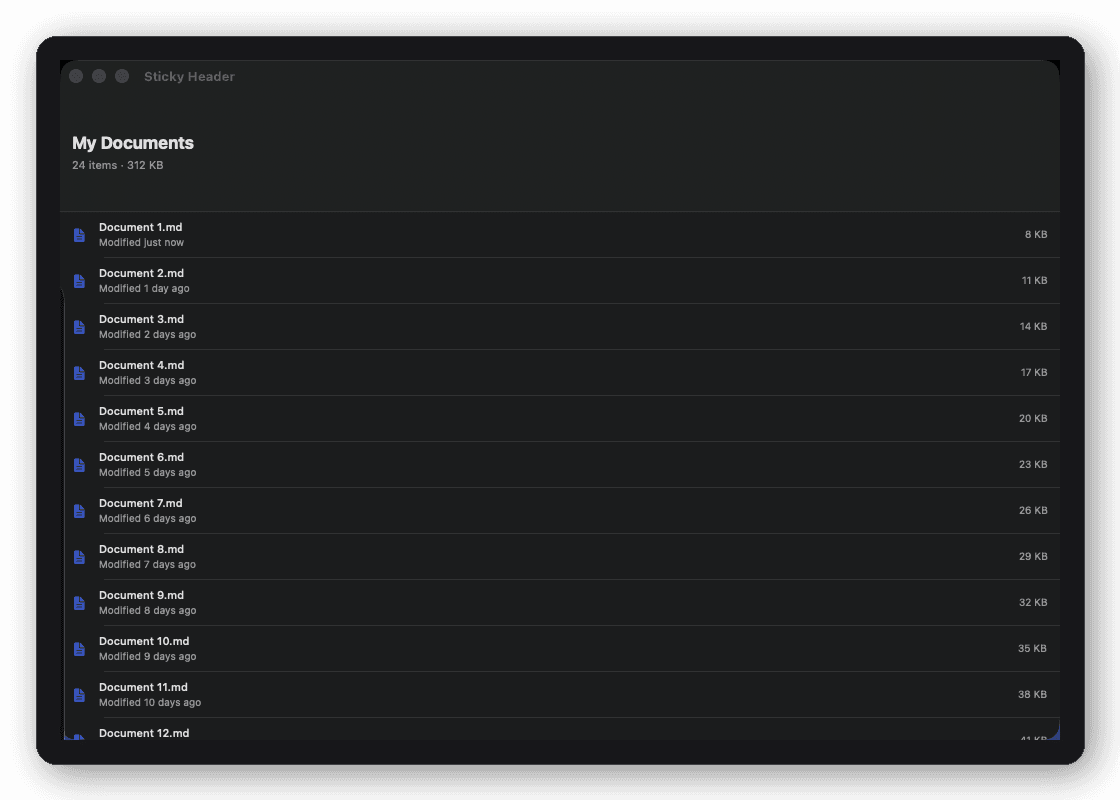
Yes, complete screen sets for common product categories exist so you don't have to design a dashboard or chat UI from a blank canvas. DesignFoundationPro includes full verticals for AI Chat, Analytics, CRM, Documents, E-commerce, Project Manager, and Social, each with several connected screens (list, detail, settings) and a typed configuration layer ready to wire to your own data.
How do I avoid rebuilding the same onboarding, auth, and settings screens for every new SwiftUI app I ship?
The practical fix is licensing a screen set once and reusing it across every project instead of re-designing the same flows per app. DesignFoundationPro's Individual license covers one developer across unlimited projects, so the same 55 screens and 30 blocks carry over from your side project to your next client app with no per-project fee.
What's a good alternative to a UI subscription kit for SwiftUI that I actually own?
Look for a one-time license instead of a recurring subscription, ideally one where your existing components keep working even if you stop paying for updates. DesignFoundationPro is a single $149 (or $449 for a 5-developer team) purchase with a license that never expires; annual updates are an optional $39/yr add-on, not a requirement to keep using what you already licensed.
How can a small team ship a white-labeled or multi-brand SwiftUI app without duplicating screens per brand?
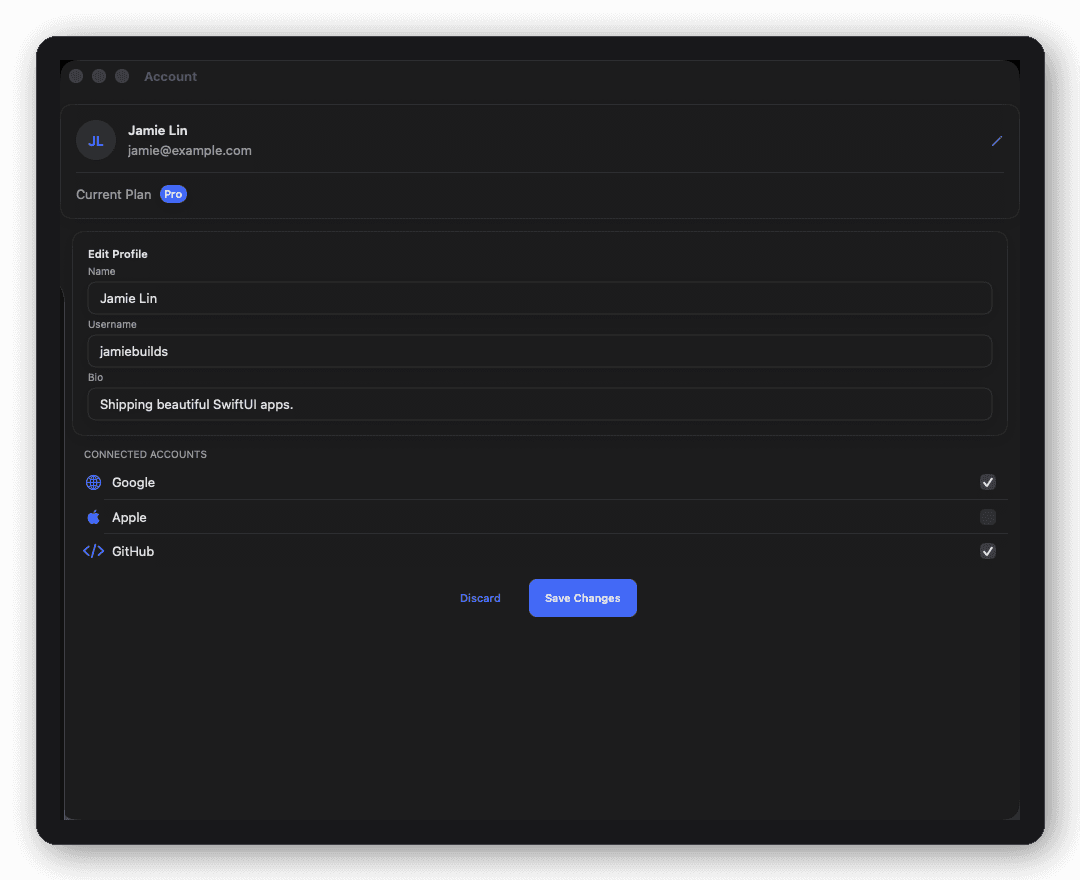
The key is separating your screens from your visual styling, so one set of screens can render multiple brand identities by swapping a theme object rather than duplicating view code. DesignFoundationPro's screens, blocks, and shells all read their colors, spacing, and radii from a DFTheme in the environment, so switching between brand presets (or your own custom theme) is a one-line change, not a fork of your codebase.
Are there SwiftUI UI kits that are already audited for Swift 6 strict concurrency?
Most older SwiftUI component libraries predate Swift 6's strict concurrency checking and will surface Sendable warnings or data races once you turn it on. DesignFoundationPro is built with strict concurrency enabled from the start, and every action closure is @MainActor-isolated, so it composes safely with actor-isolated view models without you suppressing compiler checks.
How much time does it realistically take to build a production-ready SwiftUI dashboard or CRM screen from scratch?
A single polished, accessible, properly themed screen (not a rough prototype) commonly takes a few days to over a week once you account for empty states, loading states, and responsive layout across iPhone, iPad, and Mac. Multiply that across a CRM or dashboard vertical with six or more connected screens and it's easily a multi-week sprint. DesignFoundationPro's 55 screens are meant to turn that into hours: days, not sprints.
What's the difference between a SwiftUI component library and a full screen library, and which one actually gets me to ship faster?
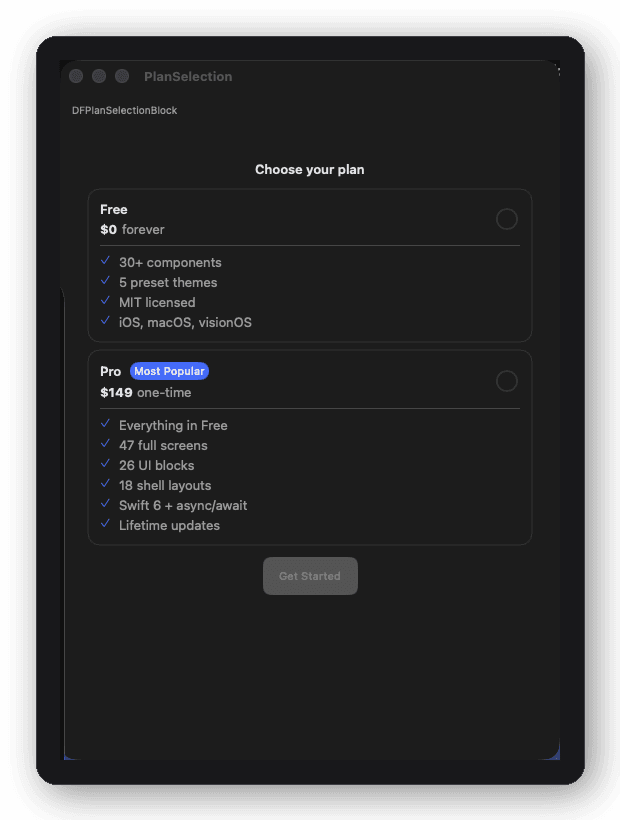
A component library (buttons, cards, inputs) still leaves you to design and assemble every screen yourself; a screen library gives you the finished page, already assembled from those components with real layout decisions made. If you mostly need consistent building blocks, the free DesignFoundation package covers that. If you want entire screens and navigation shells done, that's what DesignFoundationPro adds on top of it.
Can I license a SwiftUI UI kit once and reuse it across unlimited personal or client projects?
Check whether the license is per-project or per-developer before buying, since per-project licensing gets expensive fast if you ship more than one app. DesignFoundationPro's Individual license is per-developer, unlimited projects, with no per-app fee ever; a Team license extends that to up to 5 developers under one flat purchase.
Do I need the free DesignFoundation library to use Pro?
Yes. DesignFoundationPro depends on DesignFoundation, the free MIT package. Add both to your Package.swift — Foundation provides the primitives, theming engine, and style system, and Pro adds the 55 screens, 30 blocks, and 18 shell layouts on top. Pro is distributed via a licensed private repository.
Does Pro work with any DFTheme or preset?
Yes. Every block, screen, and shell reads all its visual tokens (colors, typography, spacing, radius, shadows) from whatever DFTheme is in the environment. Apply your own custom theme or any of the five presets (Slate, Aurora, Copper, Sage, Garnet) and every component adapts automatically, with no per-component configuration required.
Can I use Pro across multiple apps?
Yes. An Individual license covers one developer and unlimited apps and projects. A Team license covers up to 5 developers. There are no per-project or per-app fees, ever.
What's the difference between Blocks, Screens, and Shells?
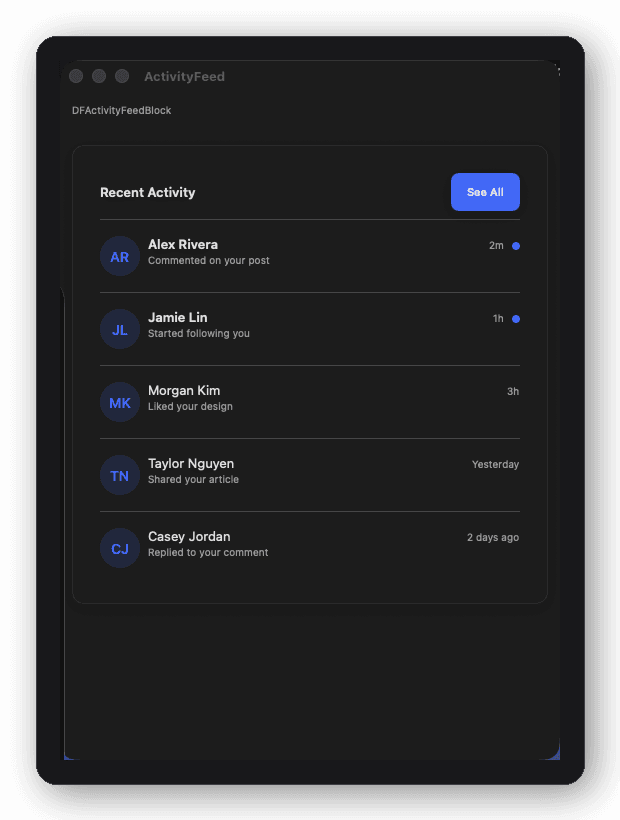
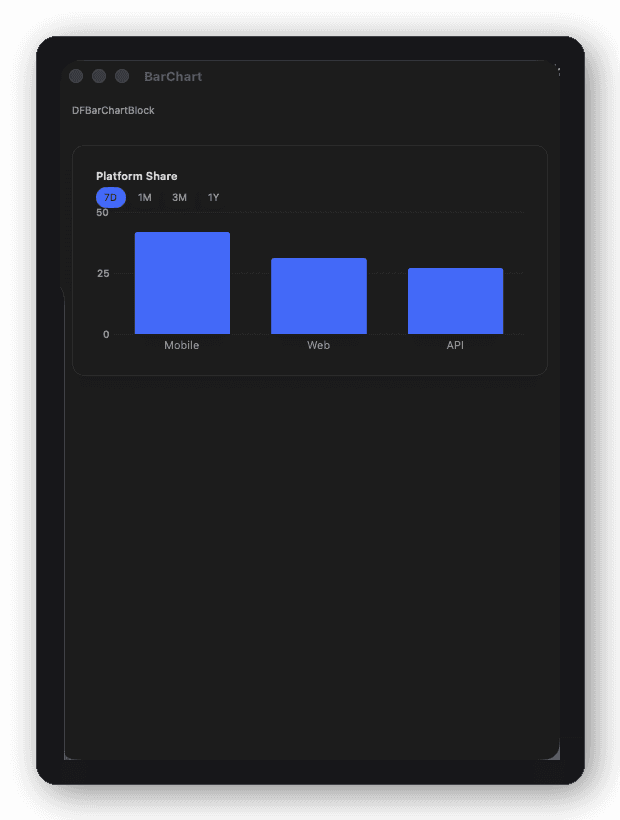
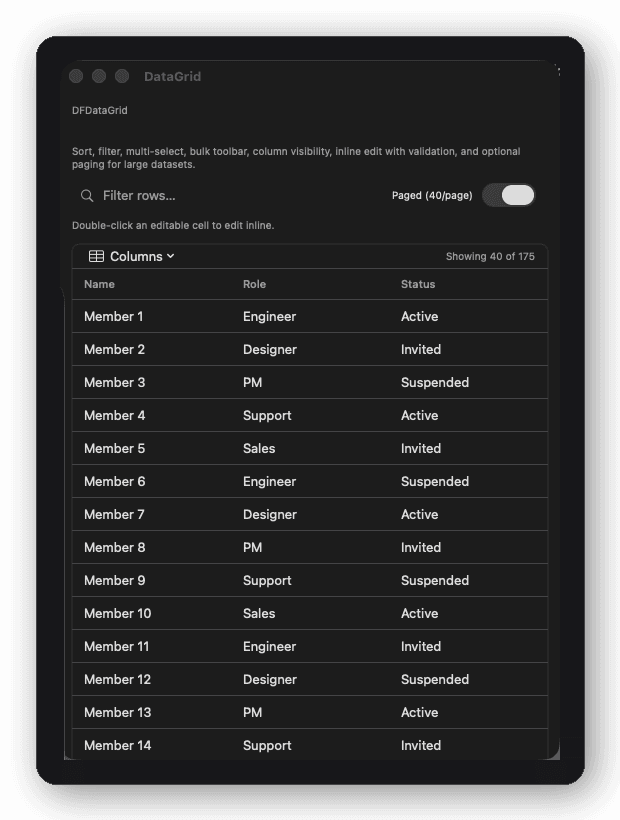
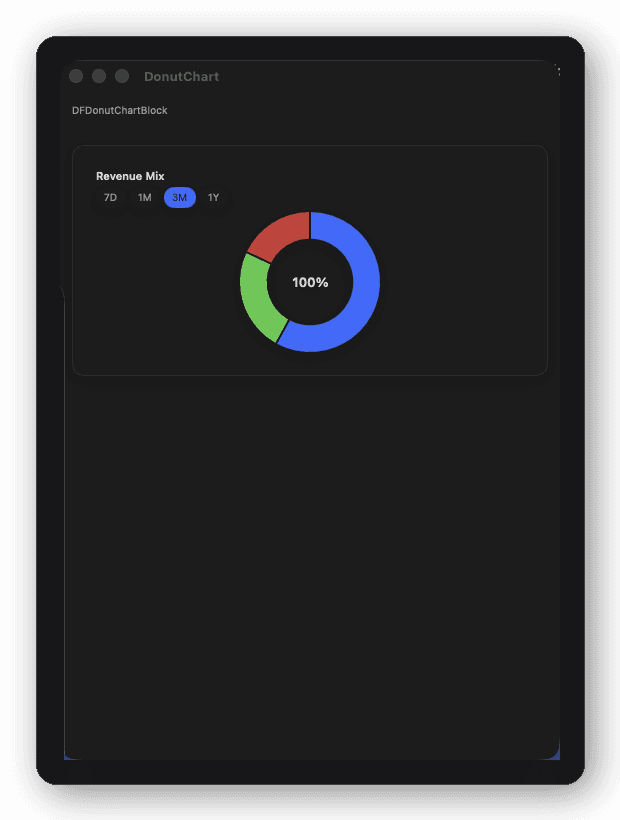
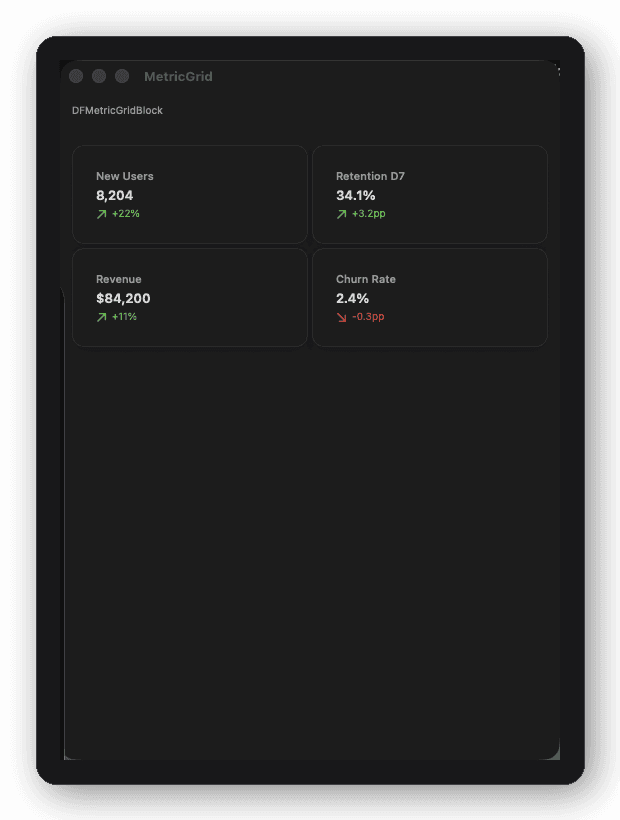
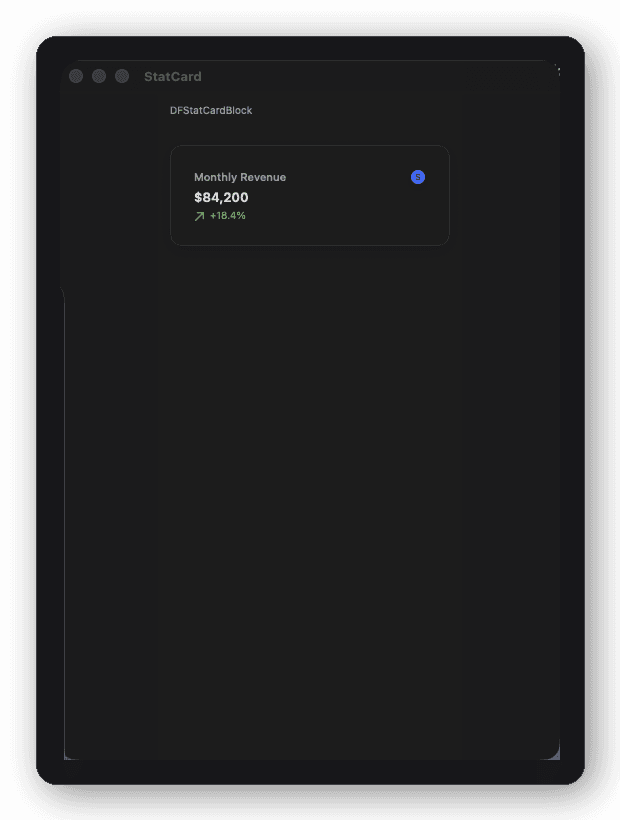
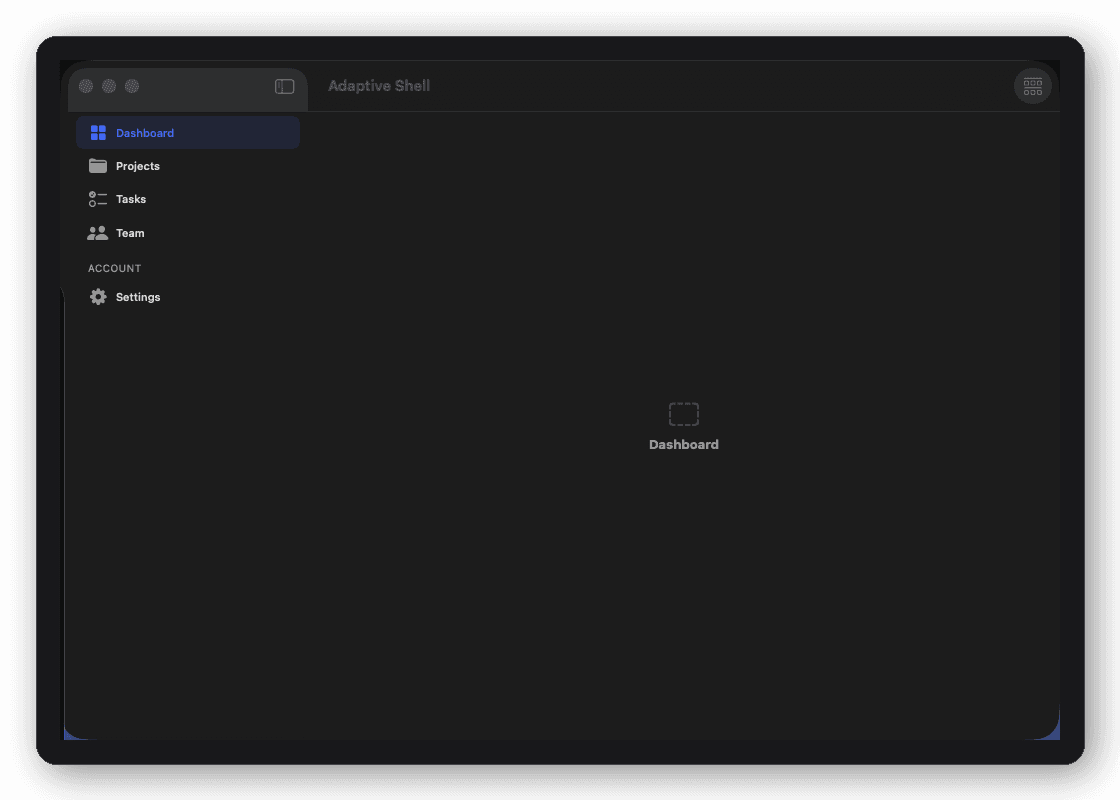
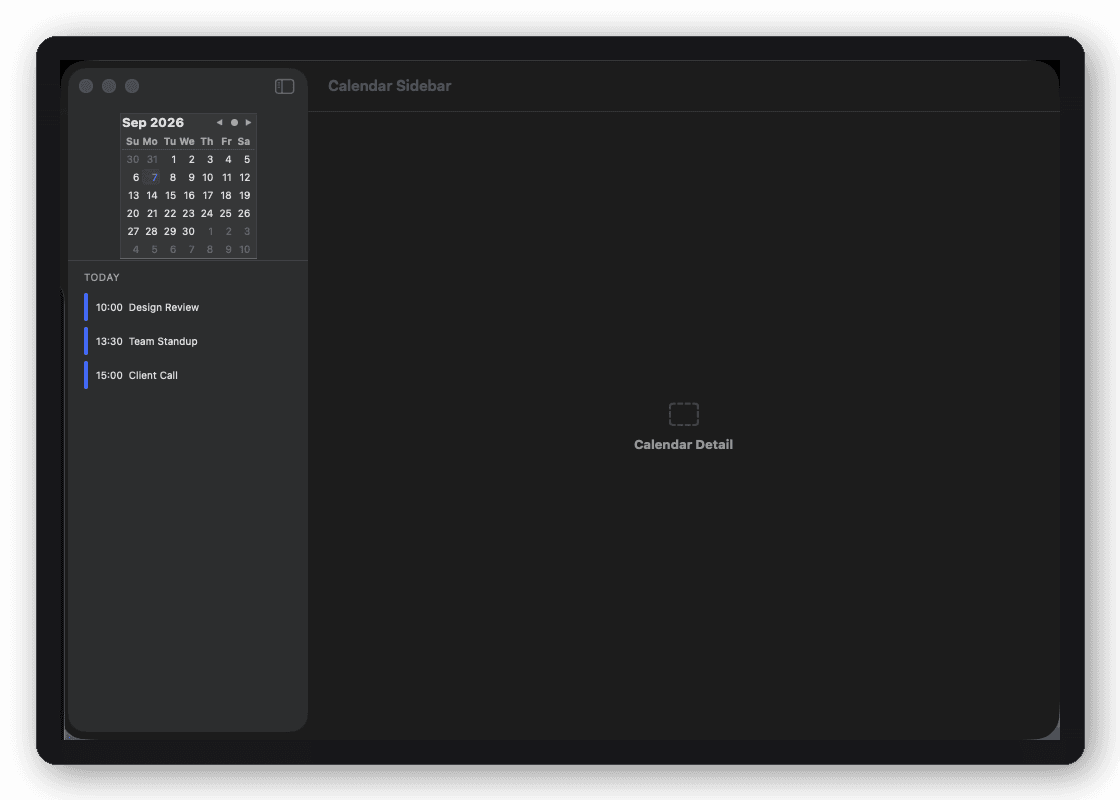
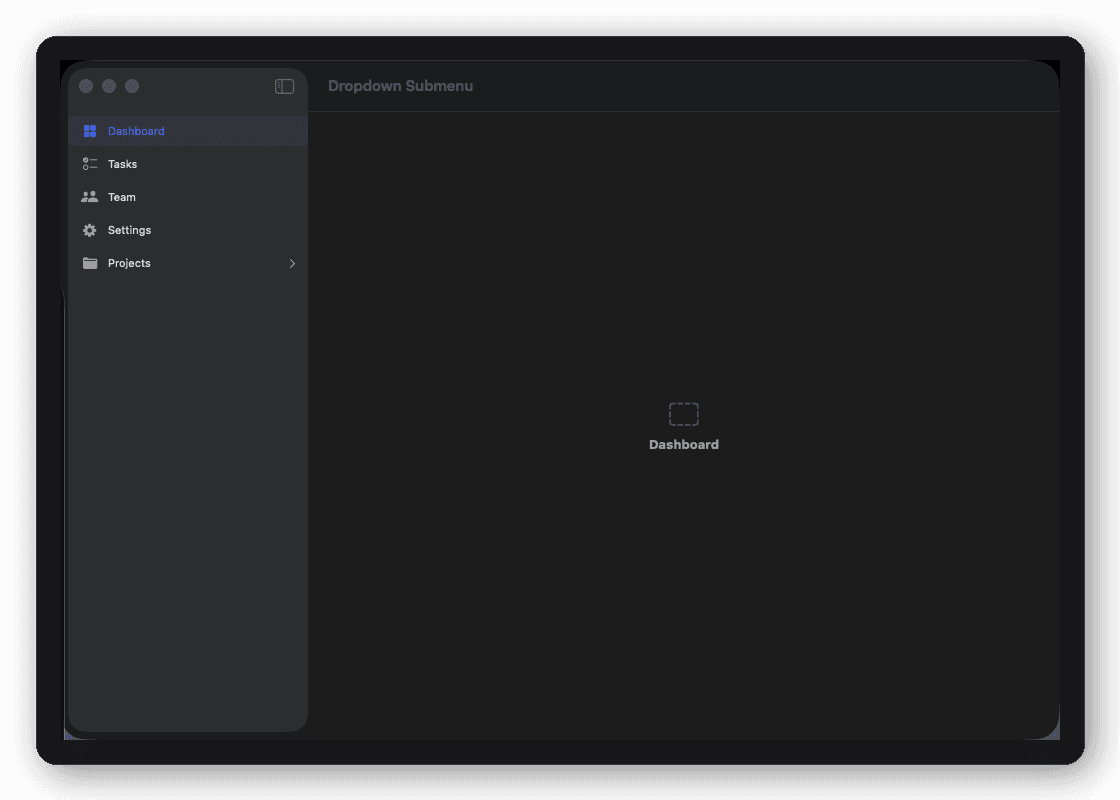
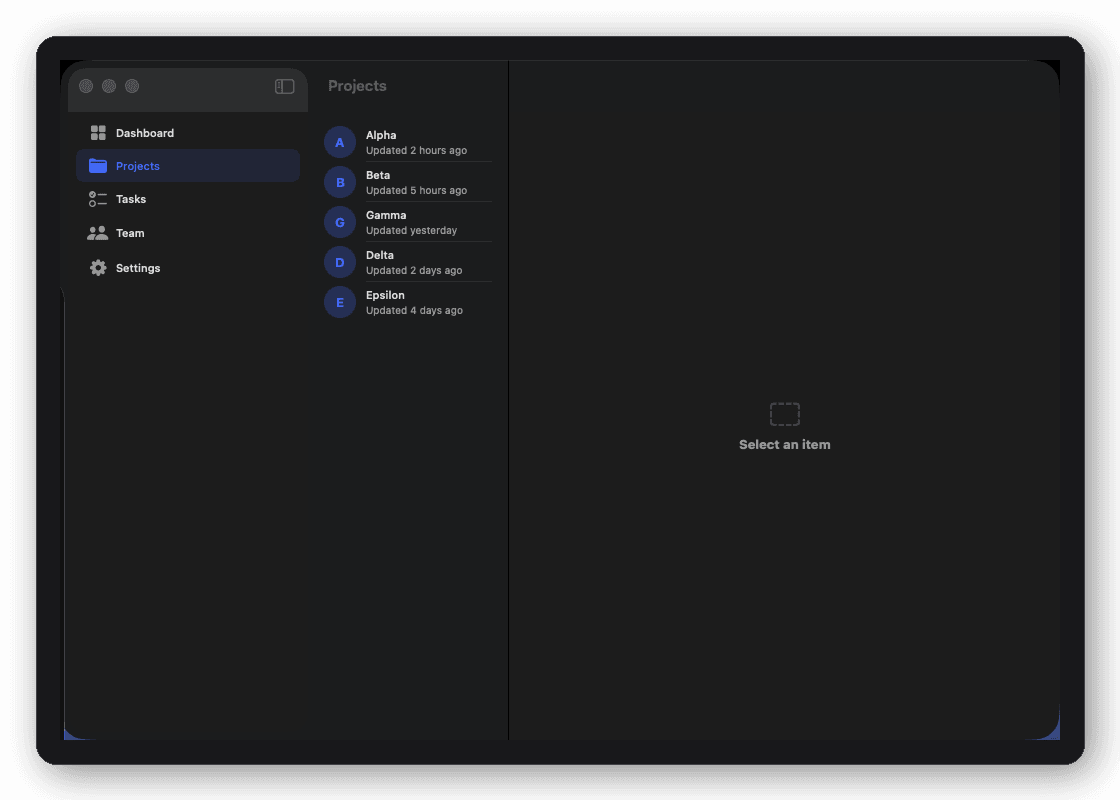
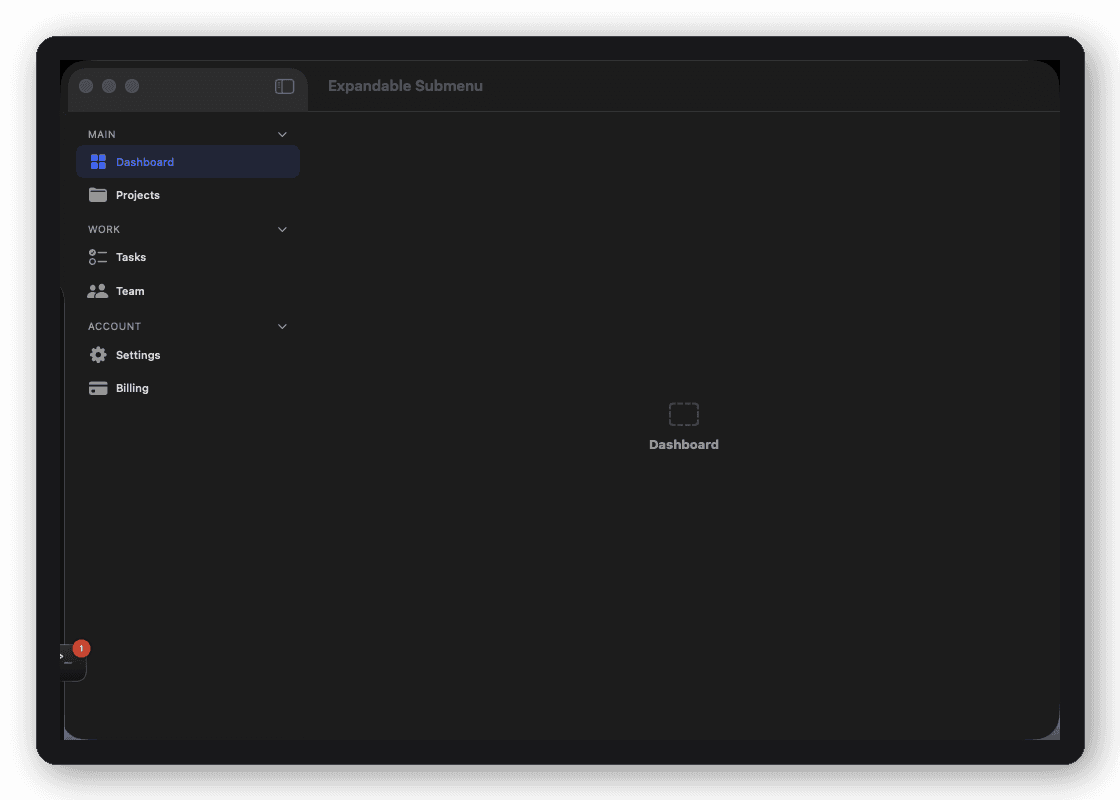
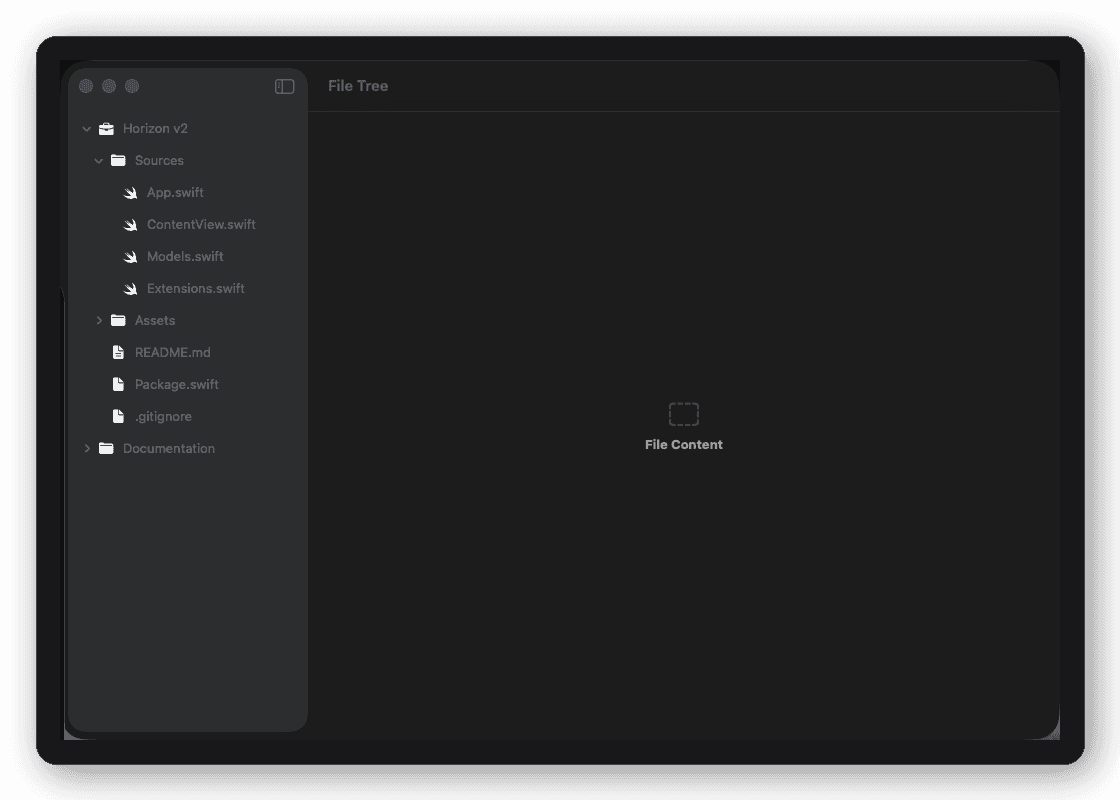
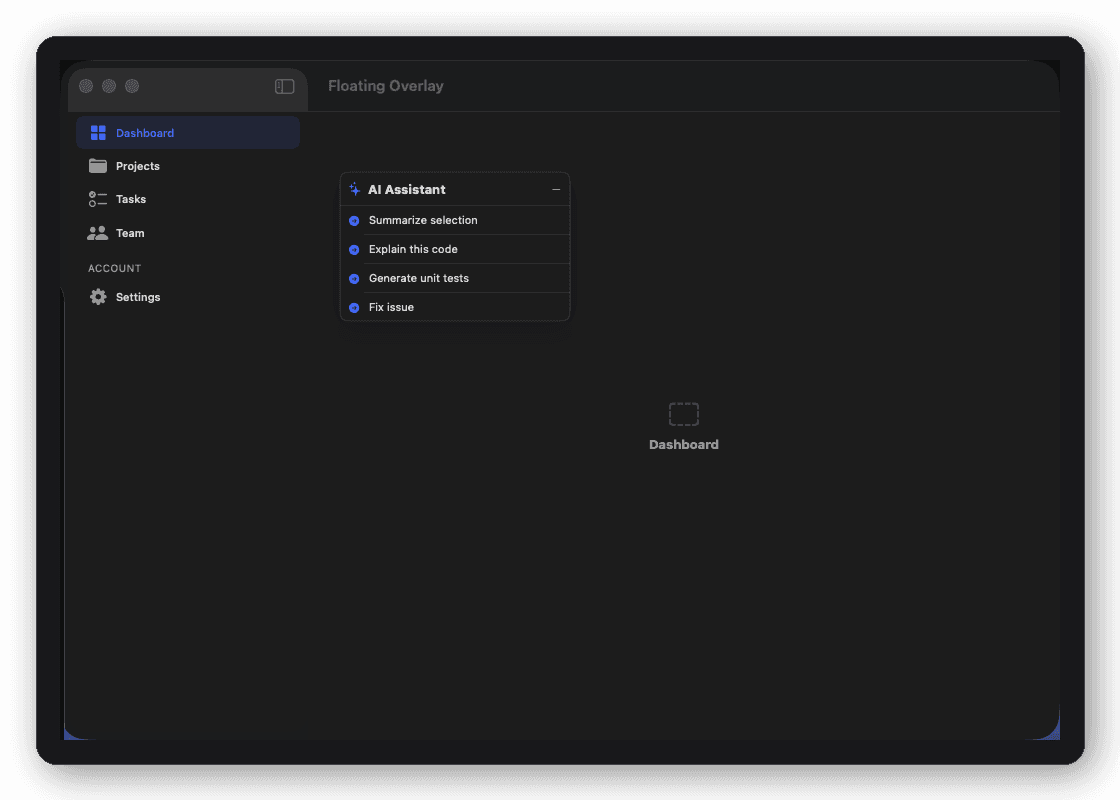
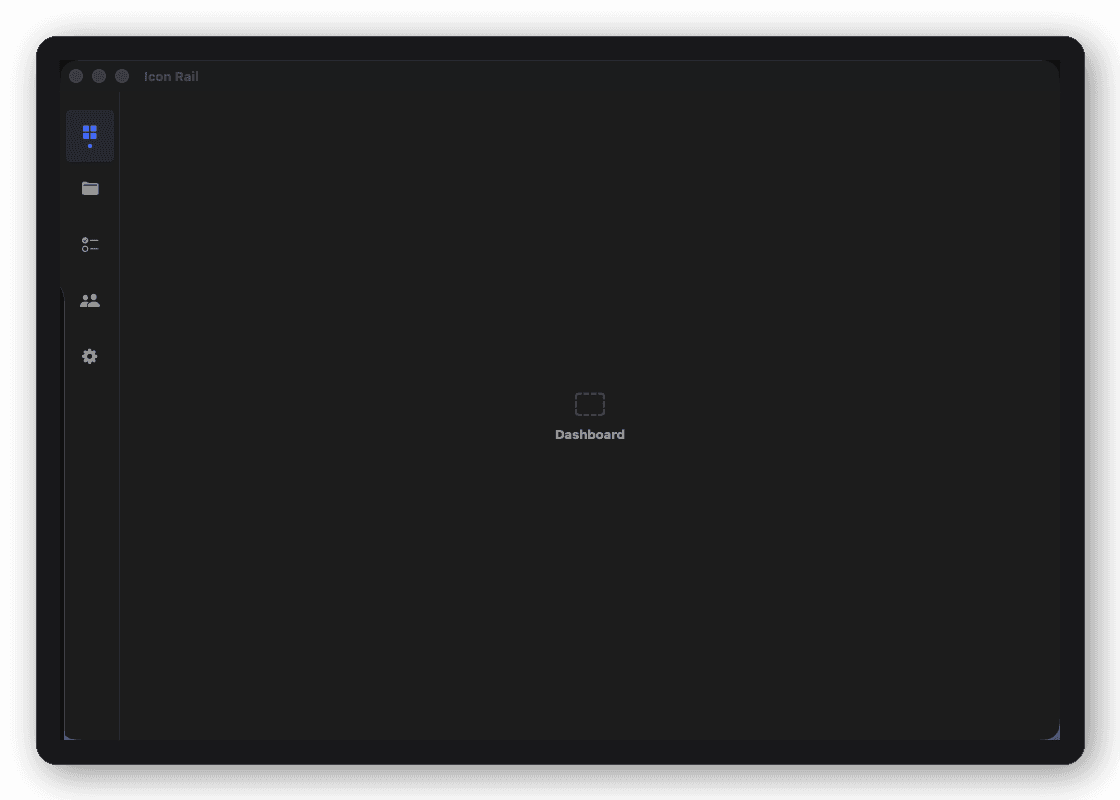
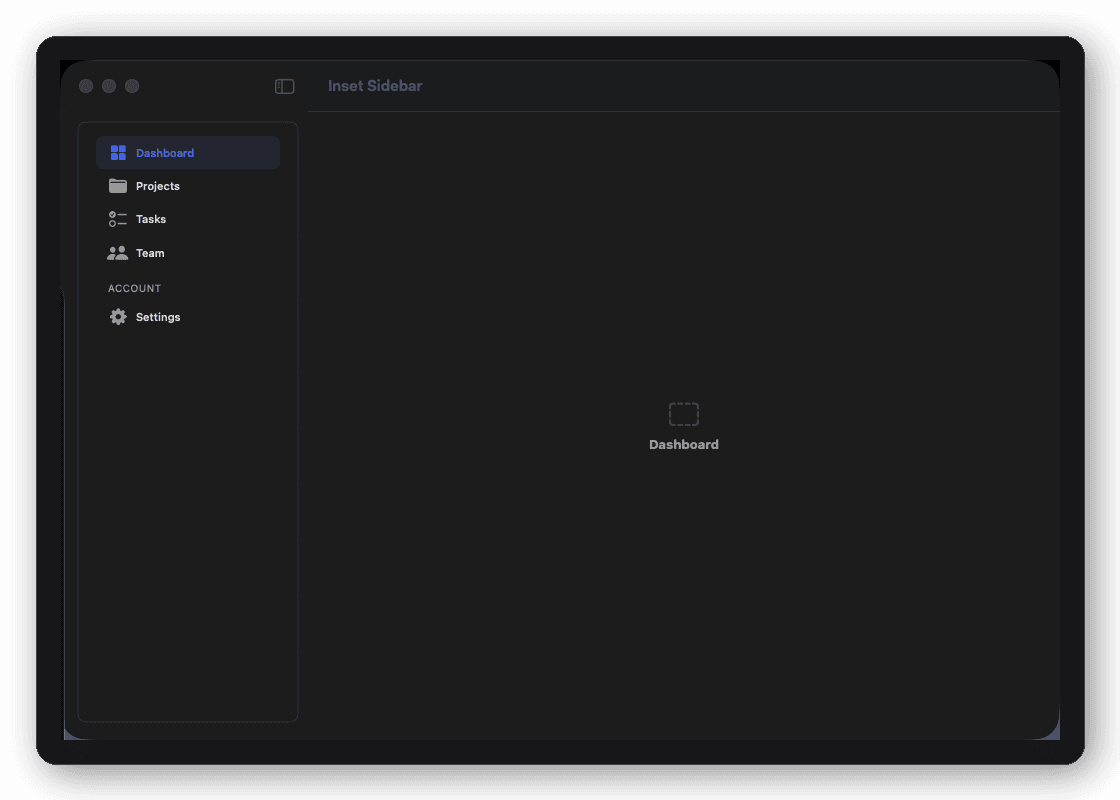
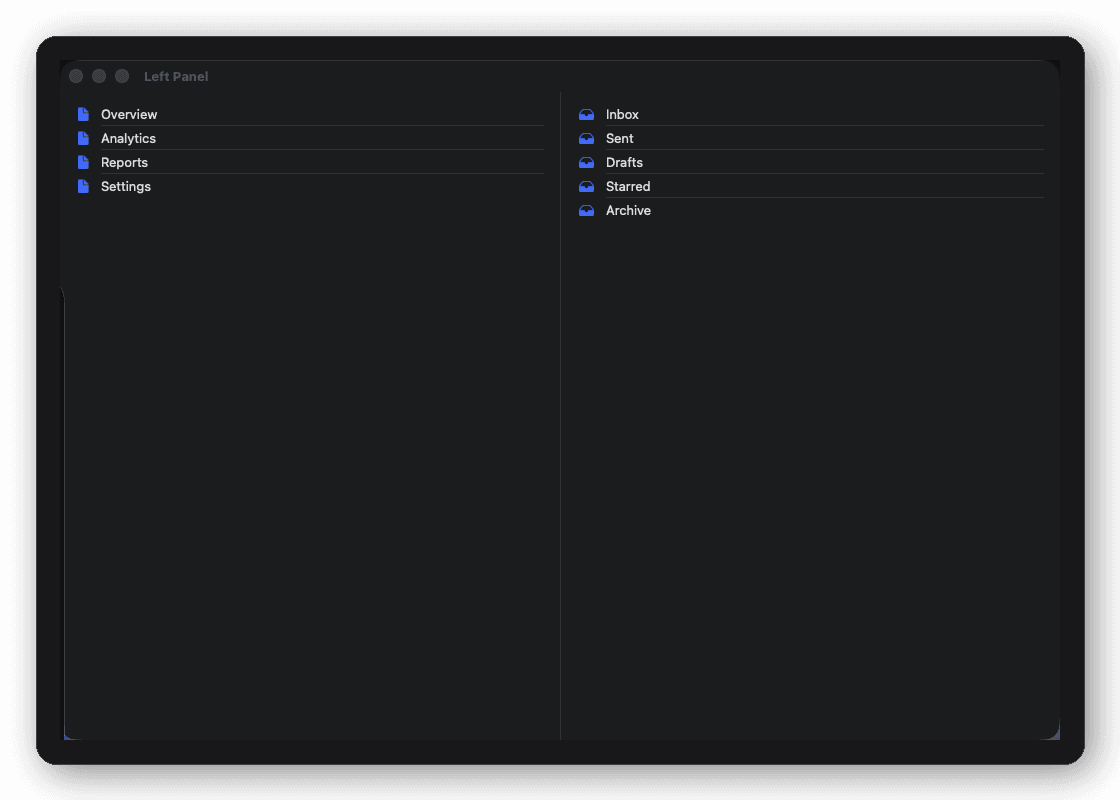
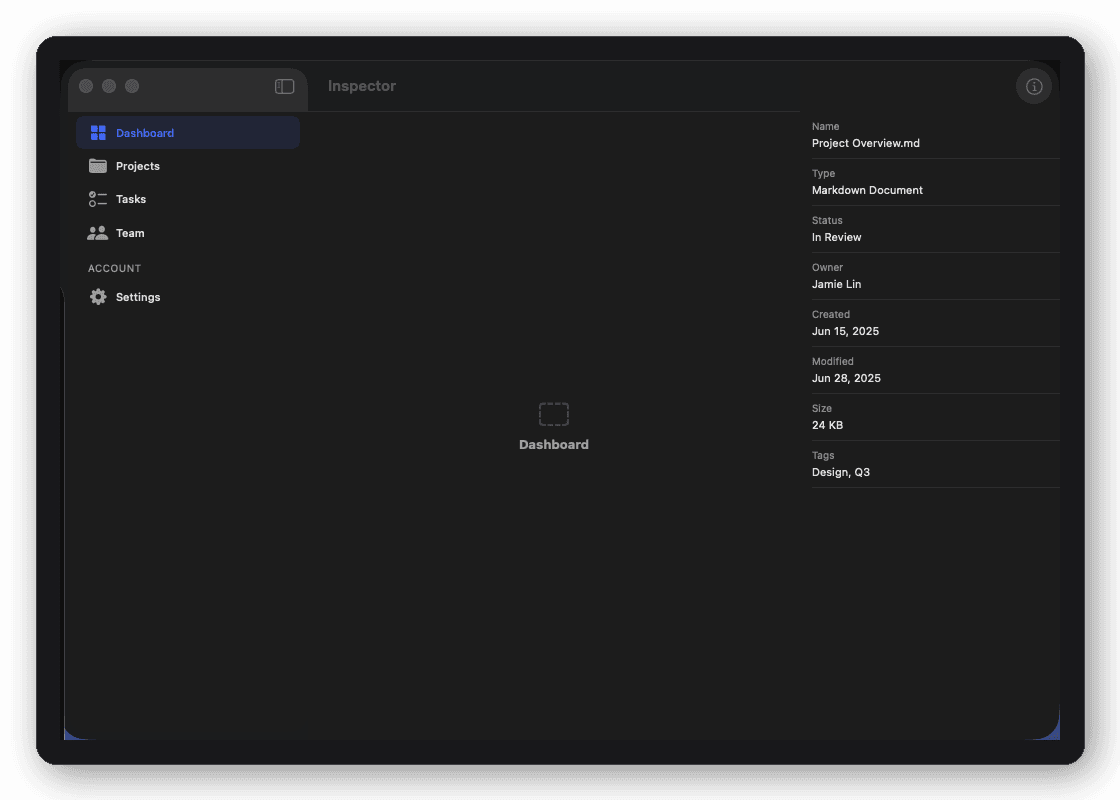
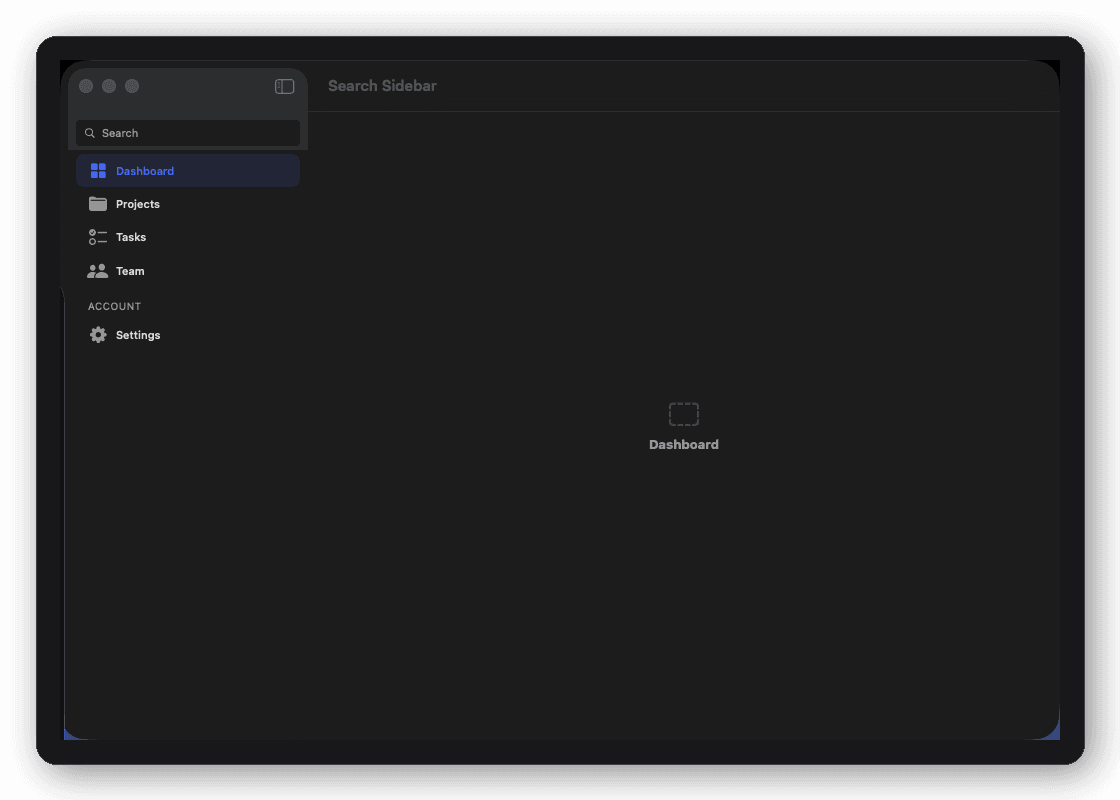
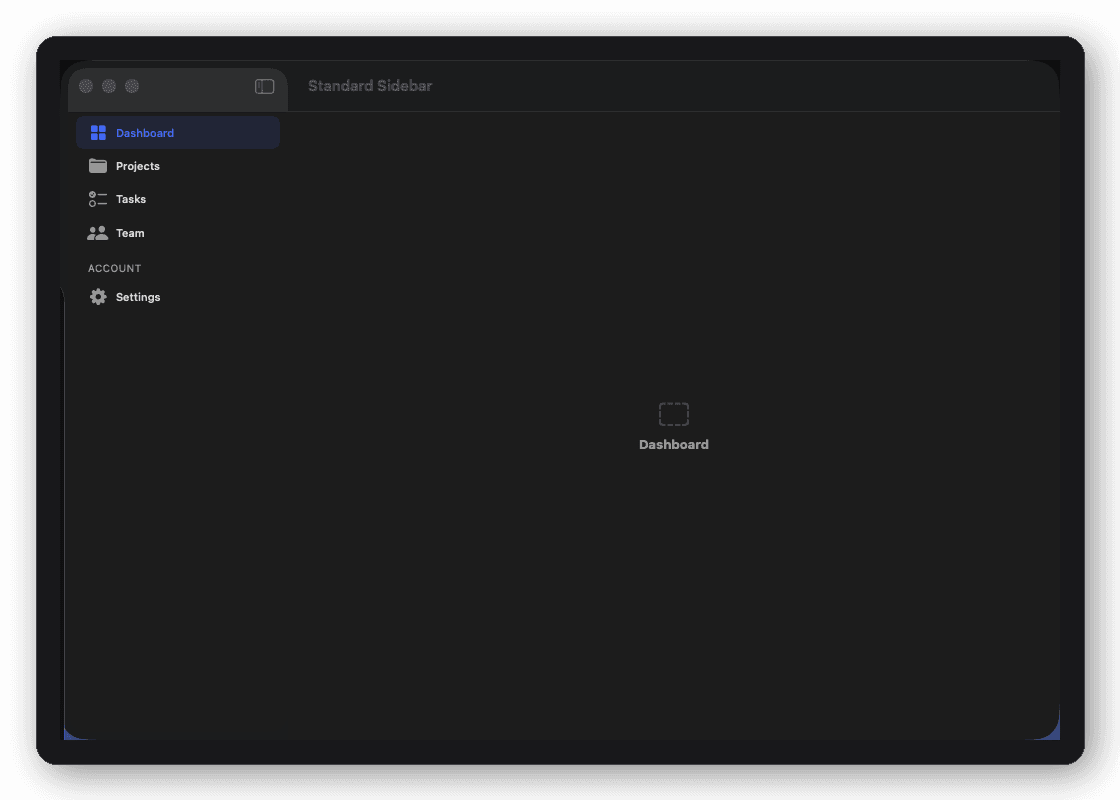
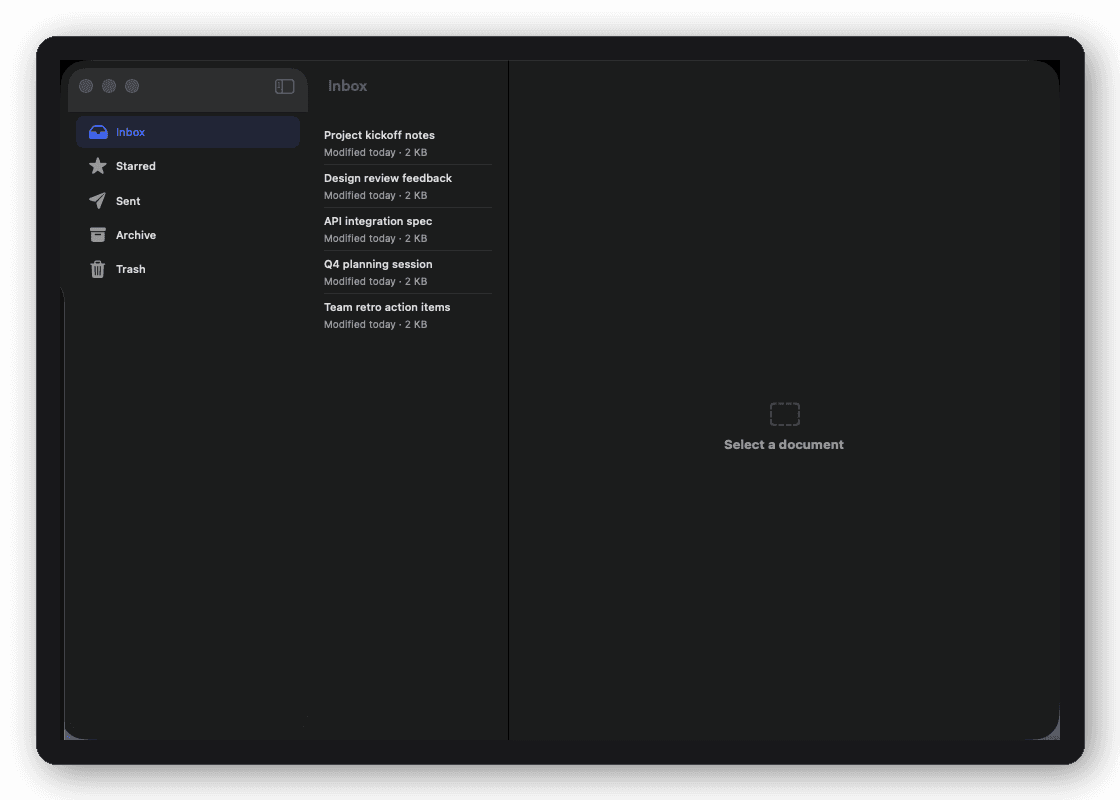
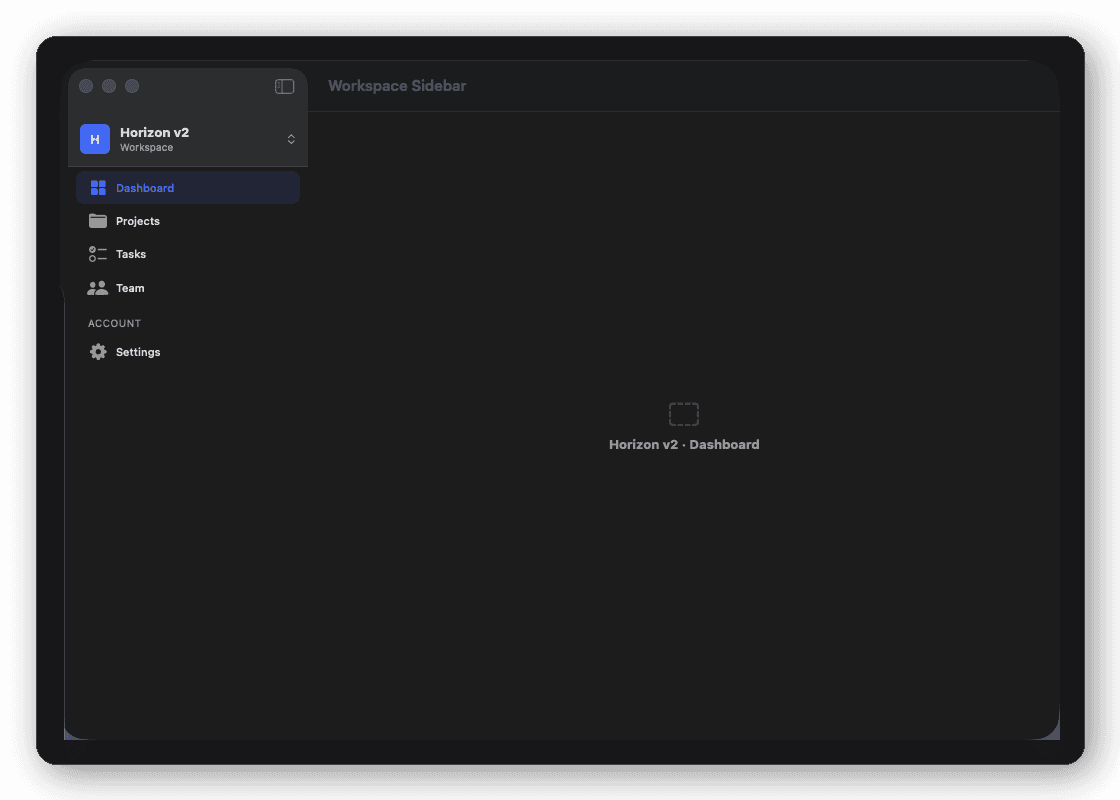
Blocks are composite UI components (DFSignInBlock, DFStatCardBlock) that you compose into screens yourself. Screens are full-page SwiftUI views with domain model layers already wired (DFAIChatThreadScreen, DFCRMPipelineScreen), ready to connect to your data. Shells are navigation-level containers (DFAdaptiveShell, DFThreeColumnShell) that handle tab bar and sidebar logic and wrap any content. One license covers all three layers.
What happens after year 1? Is there a forced subscription?
Nothing changes. Your license never expires, and you keep every block, screen, and shell you licensed forever. Annual updates ($39/yr) are fully optional and give you access to new components and OS compatibility updates as they ship — skip it and keep shipping with what you already have.
Is DesignFoundationPro compatible with Swift 6 and iOS 18?
Yes. It's built with Swift 6 strict concurrency enabled and targets iOS 18+, macOS 15+, and visionOS 2+. All action closures are @MainActor-isolated so they compose safely with actor-isolated view models.